
Minimum Staffing Cover for Leave Requests
Configure cover groups and limits so leave decisions can take staffing requirements into account, including different rules for seasonal periods.
Define the cover needed
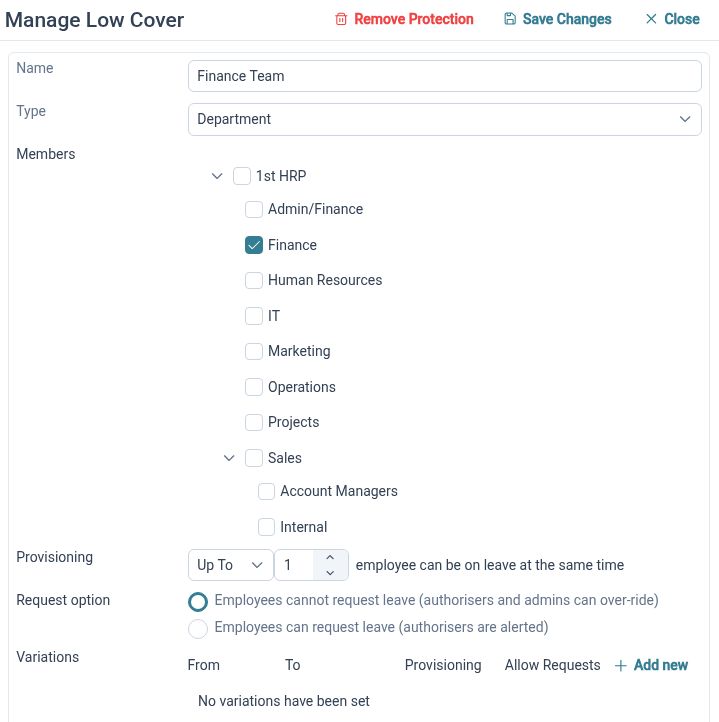
Create cover groups with employee or organisational membership and explicit limits, so leave decisions reflect the team you need available.
Minimum-cover settings turn a staffing requirement into a defined rule for a particular group. HR Planner supports scoped membership and limit options, including at-least and up-to handling. Keeping membership and the requirement together helps administrators explain which people and requests a cover rule is intended to affect.
For example, a customer support group could require a minimum number of its members to remain available. First choose the relevant employees or organisational group, then configure the limit and request handling. This makes the requirement explicit before a manager has to assess overlapping holiday requests.
Adapt for busy periods
Use seasonal variations to change cover limits for defined month-and-day ranges, keeping exceptional requirements within the group’s configuration.
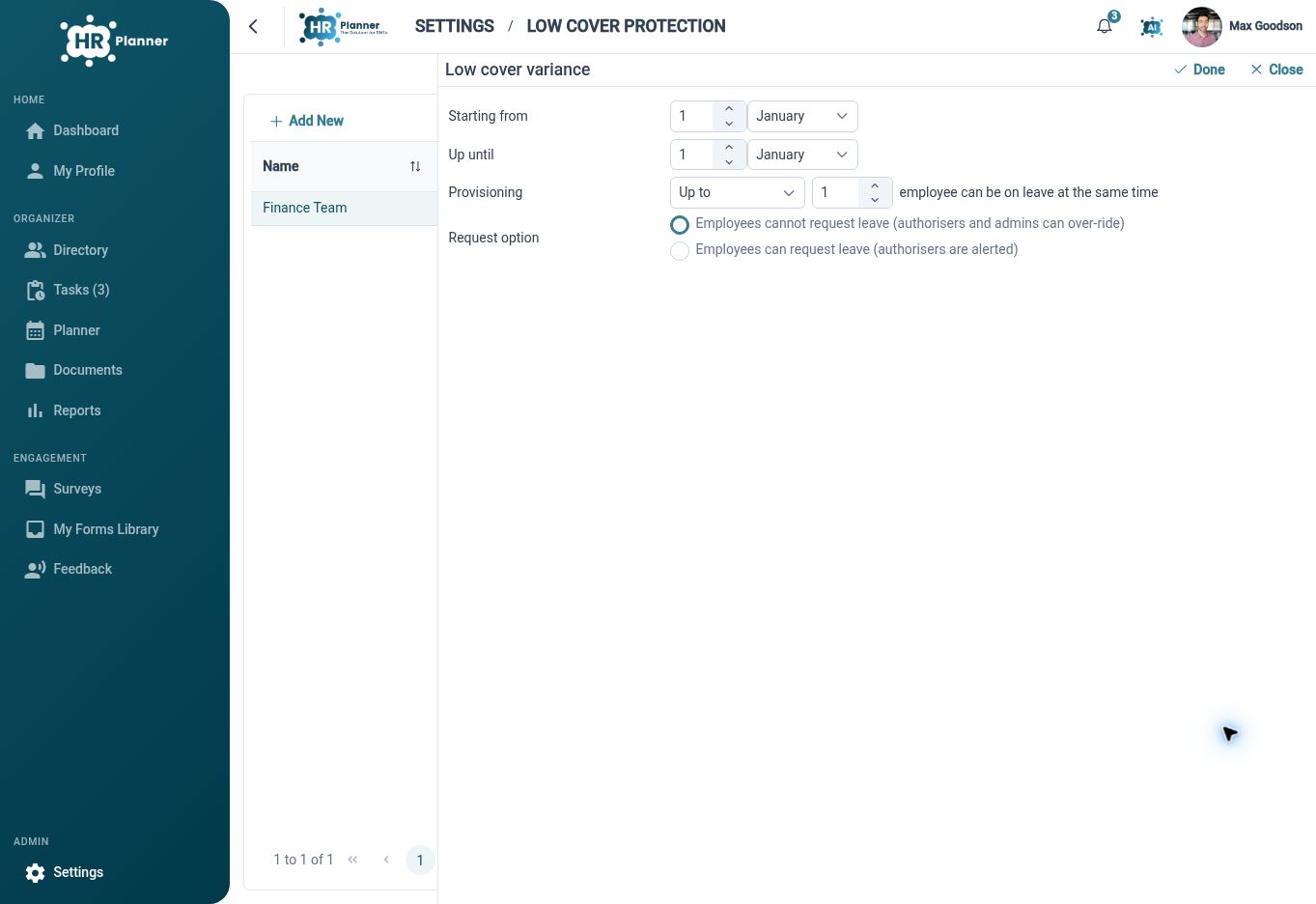
A staffing requirement may change during the year. Cover-group variances let you configure different limits and request handling for date ranges rather than repeatedly editing the normal rule. The seasonal requirement remains associated with the group it affects, giving administrators a place to review both normal and exceptional arrangements.
For example, a retail support team might need more people available during a busy year-end period. Configure the normal cover requirement, then add the seasonal variation and check its dates. When reviewing the setup, HR can see why requests in that period need different treatment from requests at quieter times.
Check cover at booking
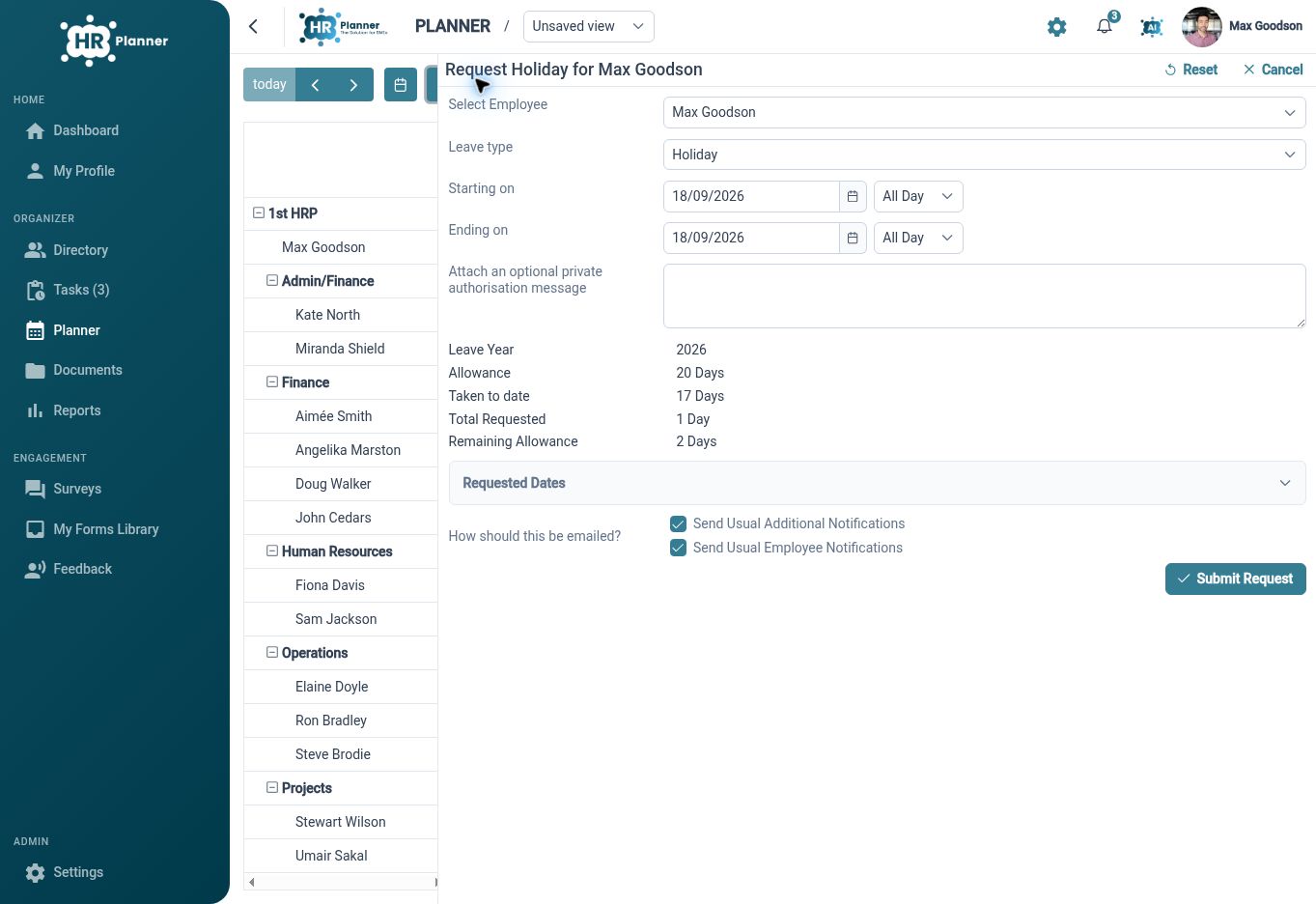
Bring cover restrictions into request validation, so the configured response to low cover is considered as part of leave booking.
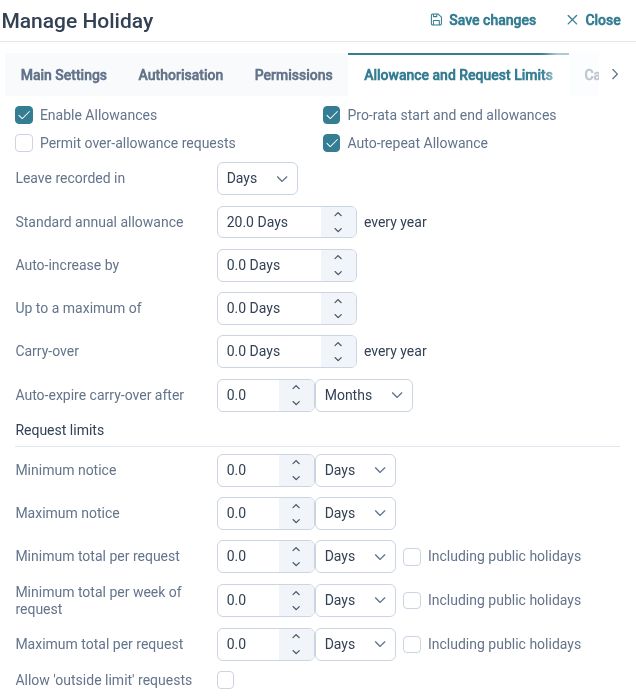
The value of a cover rule is in how it informs the request process. HR Planner connects cover configuration to leave validation and request handling, alongside other policy settings. Selected leave types can have explicit bypass policies where appropriate, allowing administrators to distinguish planned leave from categories that need different treatment.
For example, a new holiday request could overlap with leave already recorded for the same cover group. Review the resulting validation message and the configured handling before making a decision. Where an absence type needs an exception, configure that policy deliberately rather than treating every request as a manual override.
Built for everyday HR

Explicit staffing requirements
Define the affected group and the limit that should inform leave decisions.

Seasonal flexibility
Keep busy-period variations alongside the normal cover configuration.

Reviewable exceptions
Use clear leave-type policies when particular absences need different restriction handling.
Explore connected HR features
Leave and Absence Management Software
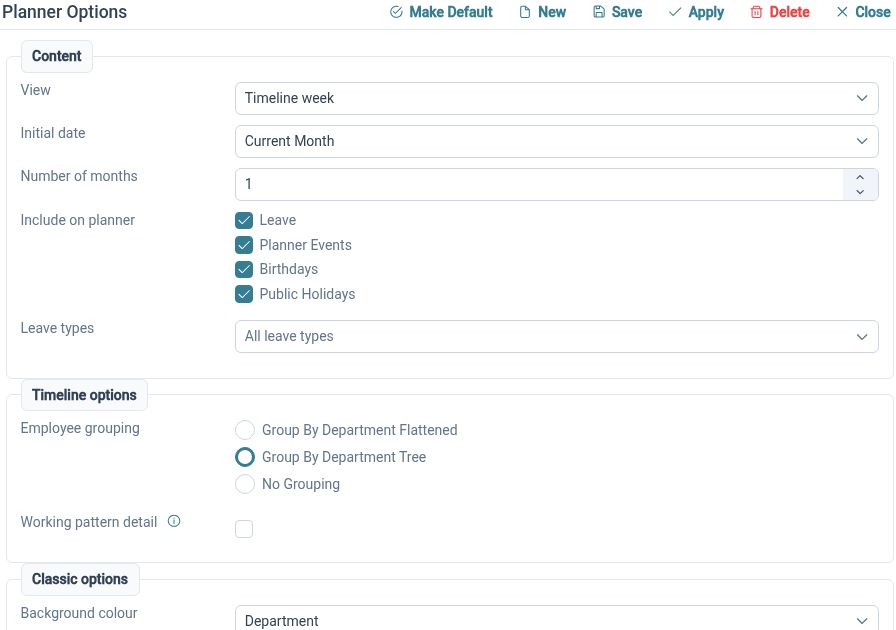
Staff Availability and Leave Planner
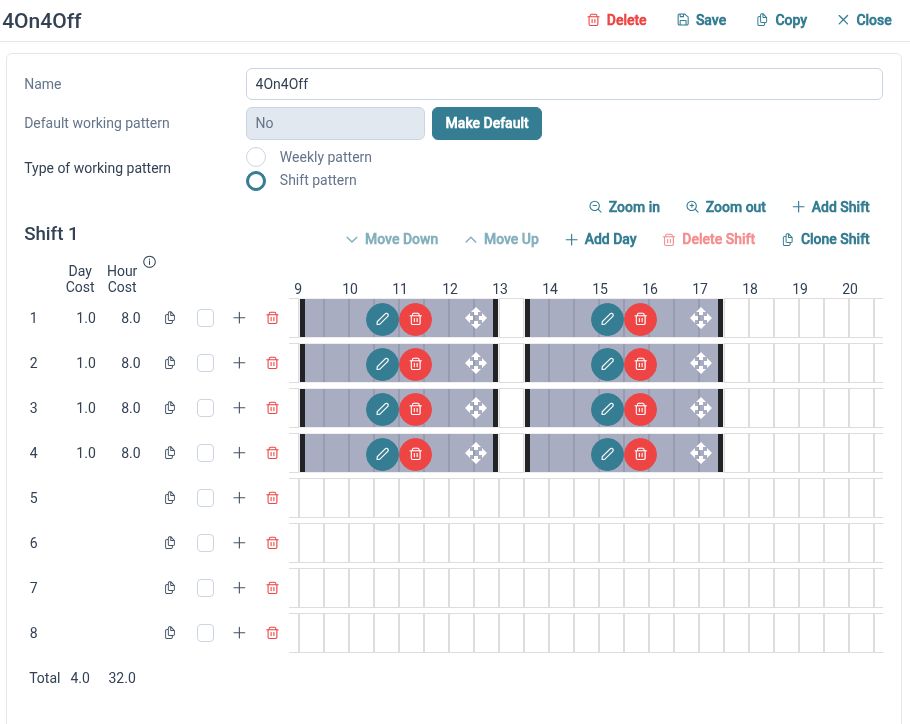
Weekly and Rotating Working Patterns

Ready to take our software for a spin?
Organisations just like yours are using HR Planner. Start your free trial today to see how simple it can be!