
HR for Charity Teams
Give your charity’s Employees a clearer way to handle everyday HR. Keep staff records, working arrangements, time away and employee input connected as your organisation focuses on its work.
Charities and non-profit organisations may bring together Employees with varied hours and responsibilities across service delivery, fundraising and administration. Keeping their HR information organised can take time away from the work the team is there to do.
HR Planner provides connected records and processes for your employed staff. Let Employees use the information and tasks their permissions allow, represent different working patterns and give Managers clearer context when reviewing time away.

Connect records
Keep employee details and linked HR information in a consistent place.
Employee Records supports configurable profile sections and linked records for authorised users. It gives HR a defined place to maintain information as circumstances change. Agree who owns updates and review access so people can work with the records they need.
For example, an Employee moves between internal teams as the organisation’s responsibilities develop. HR can review the recorded details and relevant linked information rather than updating several separate lists. The shared record supports the people handling the change.
Enable updates
Let Employees view or update information through the access you configure.
Employee Self-Service follows read, propose and edit rights where available. It gives staff a route to their own HR information and tasks, with review where the configured process requires it. Clear permissions help your organisation decide which updates Employees can handle and which need HR involvement.
For example, an Employee notices that a personal detail is out of date. They can use the available self-service route to make or propose the change. HR can then handle any required review without relying on a message passed between several people.
Reflect hours
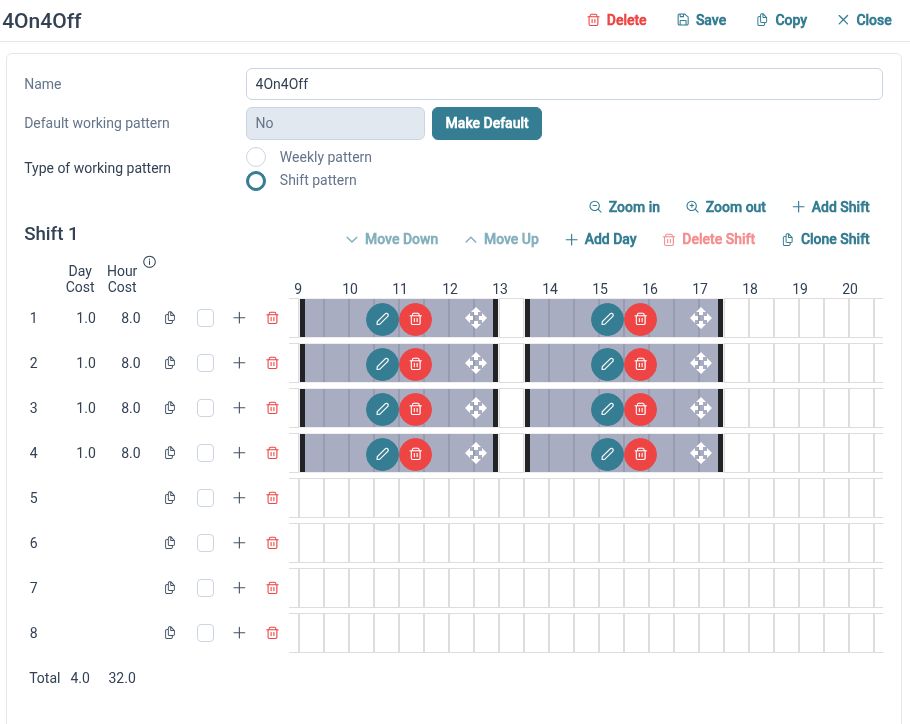
Represent different weekly and repeating employee working patterns.
Working Patterns describes schedules through day sets and work periods, including weekly and rotating arrangements. These supply working-time context for leave handling. Check assignments and representative dates so the configured arrangements reflect how the Employees are intended to work.
For example, one Employee works two regular days each week and another works four. HR can configure their patterns and check the leave handling for each arrangement. Managers can then interpret time away using the relevant working pattern rather than assuming a standard full week.
Manage leave
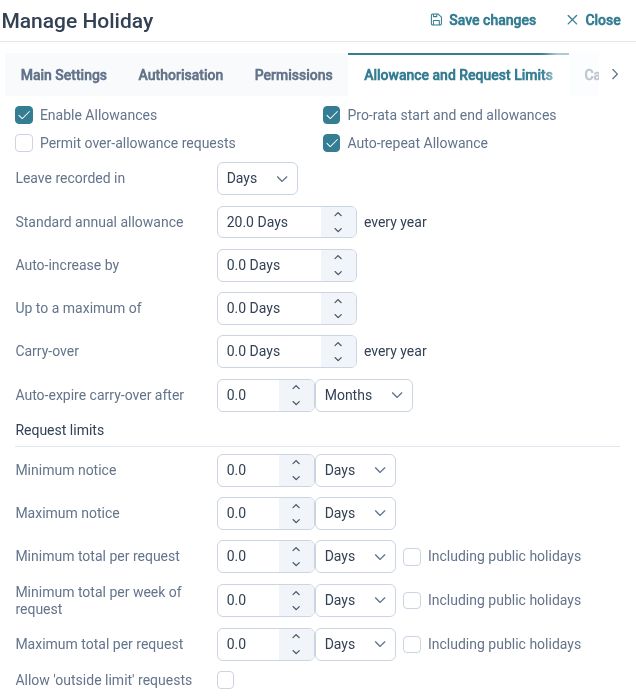
Keep leave requests and changes within a defined process.
Leave Management supports request creation, validation, approval, amendment and cancellation, with employee summaries. A connected process helps keep request dates and status clear as plans change. Configure the relevant settings and approval arrangements around your organisation’s policy.
For example, an Employee needs to change a holiday request after their personal plans move. They can use the available amendment or cancellation route so the revised information enters the appropriate workflow. Their Manager can review the change using the current request.
See the team
Review employee time away in shared calendar views.
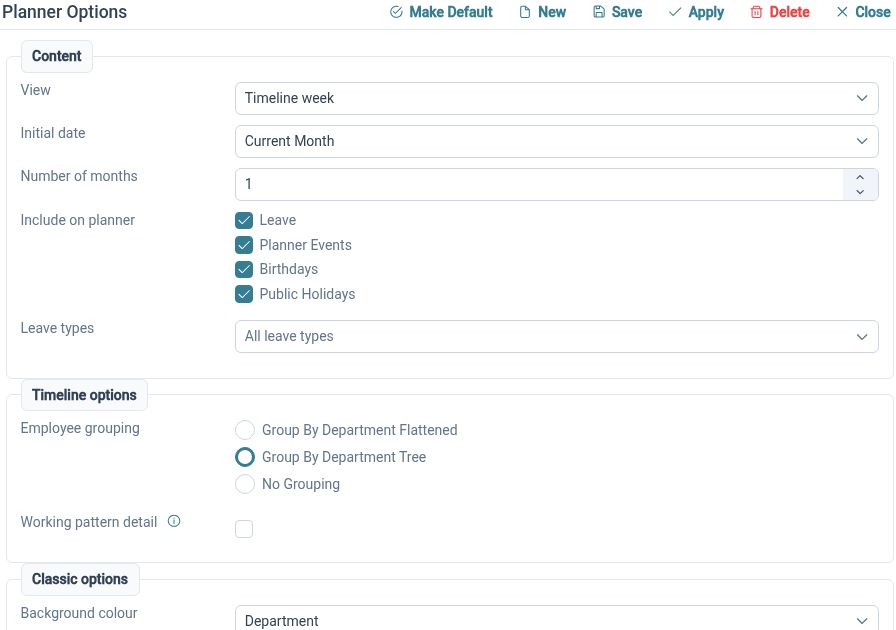
The Staff Holiday Planner brings employee events together with organisational grouping and request actions. Authorised Managers can review the relevant team picture when considering leave. This helps discussions about availability start from a common view of booked and requested time away.
For example, a small administration team receives overlapping leave requests. The Manager can review the planner and discuss who will be available before making decisions. The organisation then arranges its work around the agreed employee availability.
Hear from staff
Give Employees a route to share suggestions or concerns when they arise.
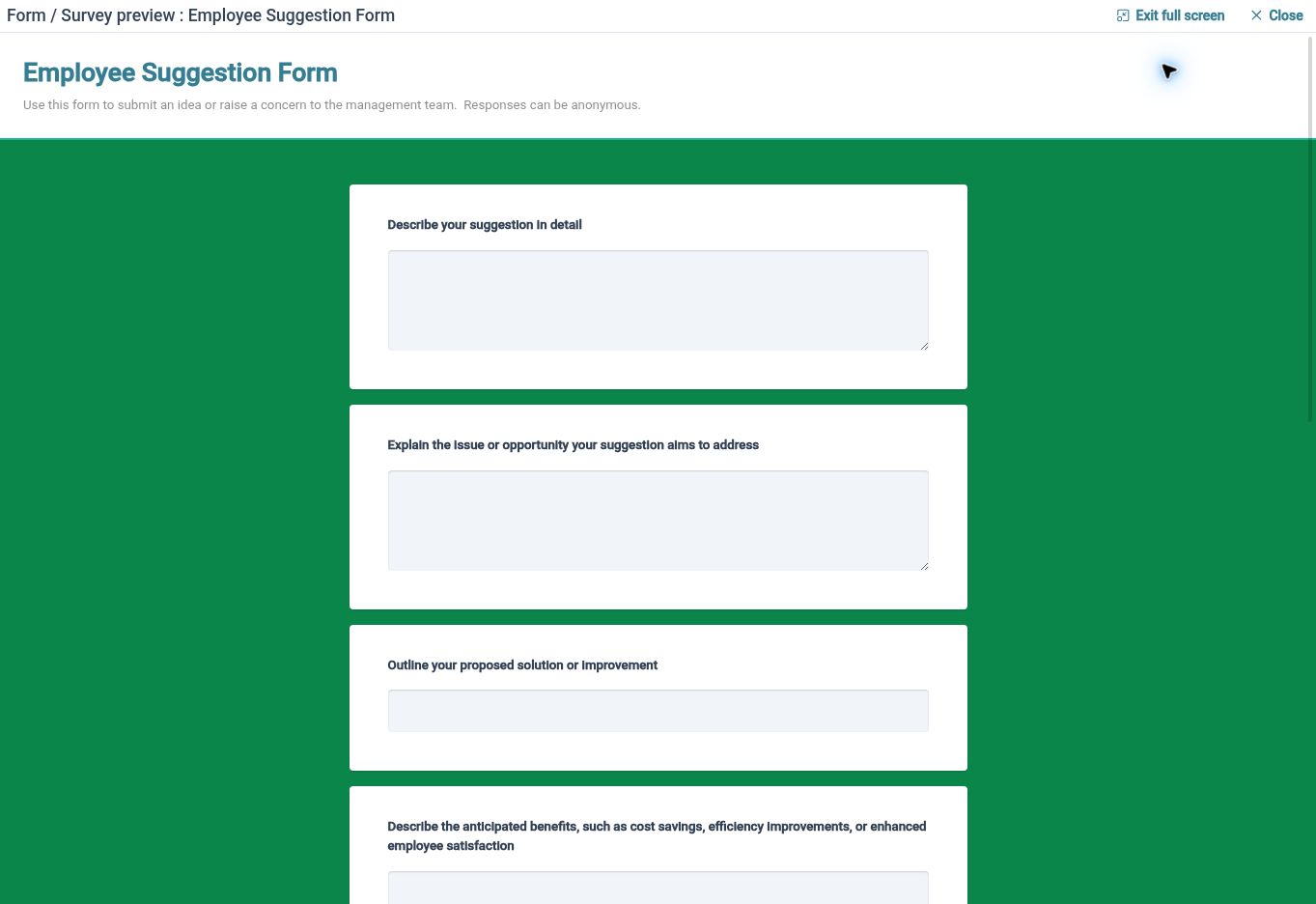
Employee Feedback supports employee-initiated submissions through available forms, with review states and comments for authorised users. It helps organise input outside a scheduled survey. Decide who will review submissions and communicate clearly how staff should use the available forms.
For example, an Employee identifies a recurring gap in an internal handover. They can describe it through a feedback form so the responsible Reviewer has context. The organisation can consider the input and decide what to change and how to explain the outcome to the team.
Clearer HR for your team

Employees
Find your information and use the available processes to keep everyday HR tasks moving.

Managers
Review relevant team information and requests with the access your responsibilities require.

HR Administrators
Maintain employee records, configure processes and organise the information your business needs.
Explore the tools for your team
Employee Self-Service
Working Patterns
Employee Feedback
Your questions answered
Can this support Employees with different part-time arrangements?
Working Patterns supports different weekly and repeating arrangements through day sets and work periods. Configure the appropriate patterns and employee assignments, then check representative dates and leave handling.
Can staff update their own information?
Employee Self-Service follows the read, propose and edit rights you configure. Employees can use the available route, with review where your settings require it.
Can we collect suggestions from Employees?
Employee Feedback allows Employees to start submissions through available forms. Authorised users can review the input using supported states and comments. Your organisation decides how responses and outcomes are communicated.
Does this page cover volunteer or donor management?
The features described here support employee HR. Volunteer coordination, fundraising contacts, donor records and beneficiary case management are separate requirements to consider alongside your wider systems.

Ready to take our software for a spin?
Organisations just like yours are using HR Planner. Start your free trial today to see how simple it can be!