
Employee Feedback Software
Let employees initiate feedback and give reviewers a shared place to track comments and review progress.
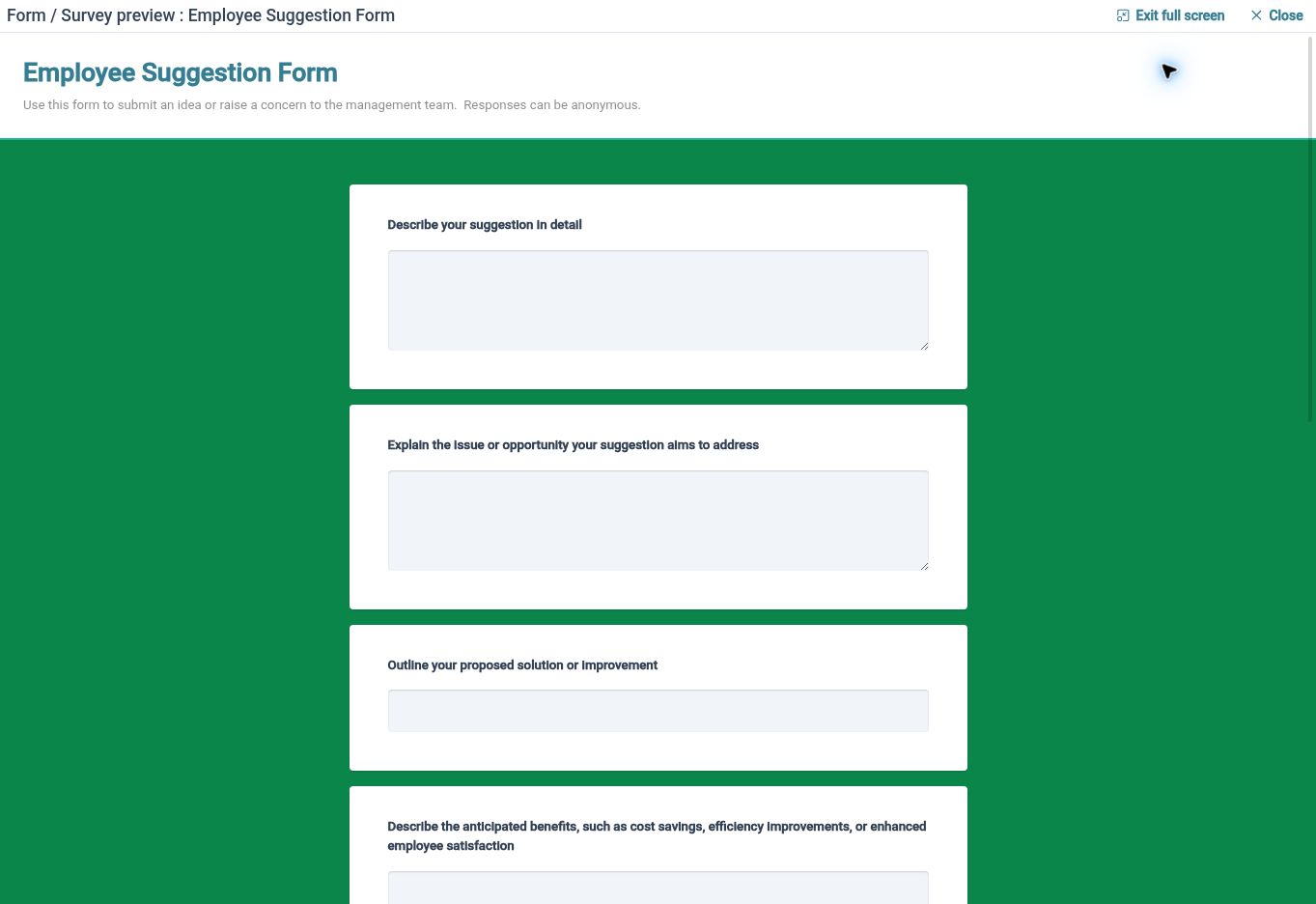
Let employees speak up
Provide a feedback-form route that employees can use when they have something to share, without waiting for a scheduled survey.
Useful employee input does not always arrive during a planned questionnaire. HR Planner supports employee-initiated feedback through configured forms, giving people a structured way to raise ideas or observations. Administrators can choose a form that asks for the context needed to understand and review the submission.
For example, an employee who spots a way to improve an internal process could open the relevant feedback form and explain the suggestion. Asking what could change and why it would help provides a more useful starting point than an unstructured message. The submission then enters the feedback management area for review.
Make review visible
Manage submissions through submitted, review-in-progress, reviewed and archived states, with comments to support the review process.
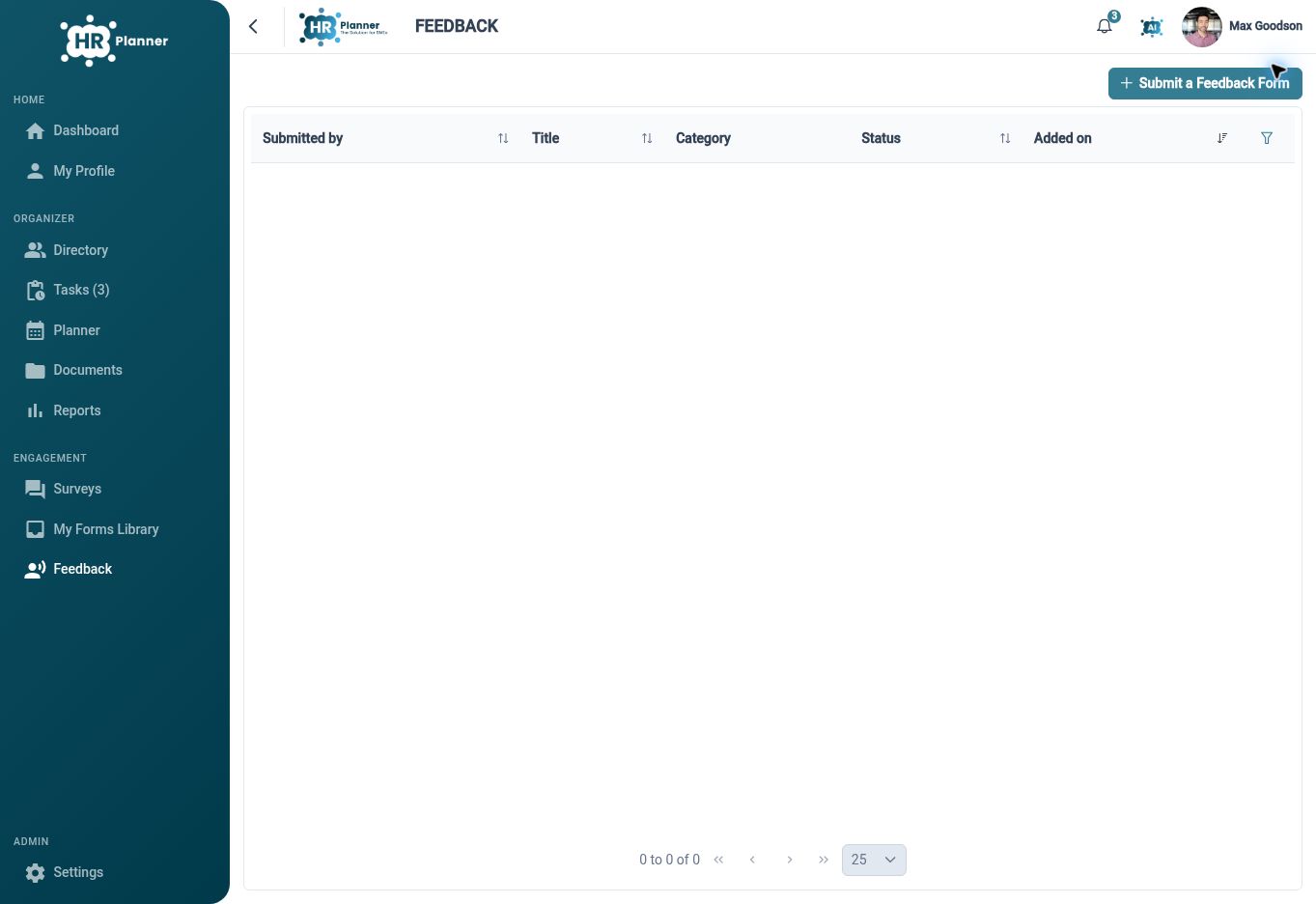
Collecting feedback is more useful when someone can work through what has been received. The feedback management area provides review updates, comments and explicit states for the activity. These help the people handling feedback distinguish a new submission from one that is already being considered or has completed its review.
For example, an HR colleague can open a new suggestion, record the relevant review comment and update its state as work progresses. Once the review is complete, the record gives the team a place to refer back to the submission and its context. Agree internally who owns that review and how outcomes will be communicated.
Keep the process useful
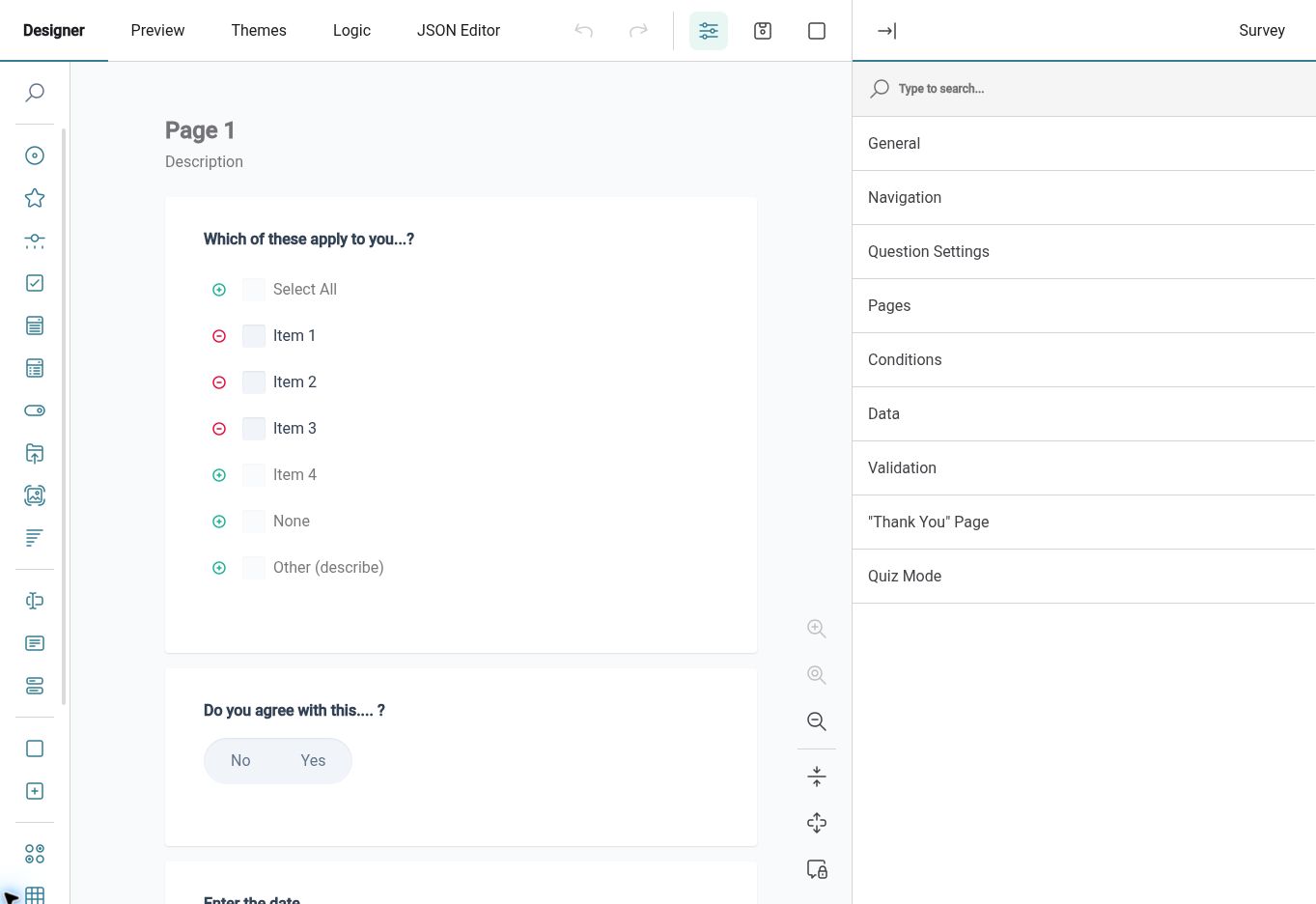
Reuse well-structured forms and the feedback history to organise employee input, with record handling suited to the chosen submission settings.
A feedback form should help employees explain something useful without turning a simple suggestion into unnecessary administration. Reusable definitions let you maintain consistent questions, while the management area keeps submissions available for review. Eligible response PDFs can support record keeping where the configured form and document settings permit it.
For example, review an existing suggestion form after using it for a period. If reviewers regularly need the same missing context, update the questions for future use and preview the result. For sensitive topics, agree the audience and response-handling approach before making the form available to employees.
Built for everyday HR

Employee-initiated input
Give people a route to share an idea when it becomes relevant to them.
A defined review queue
Organise submissions with comments and states that support the review team’s work.
Reusable feedback forms
Maintain clear questions that help employees explain the context of their input.
Explore connected HR features
HR Form Builder
Employee Survey Software
HR Approval Workflow Software

Ready to take our software for a spin?
Organisations just like yours are using HR Planner. Start your free trial today to see how simple it can be!