
HR Form Builder
Build reusable HR forms with rich question types, conditional logic and validation. Use them for employee surveys, assignments and feedback.
Ask Better Questions
Combine ratings, rankings, comments, matrices and supporting uploads in a visual form designer.
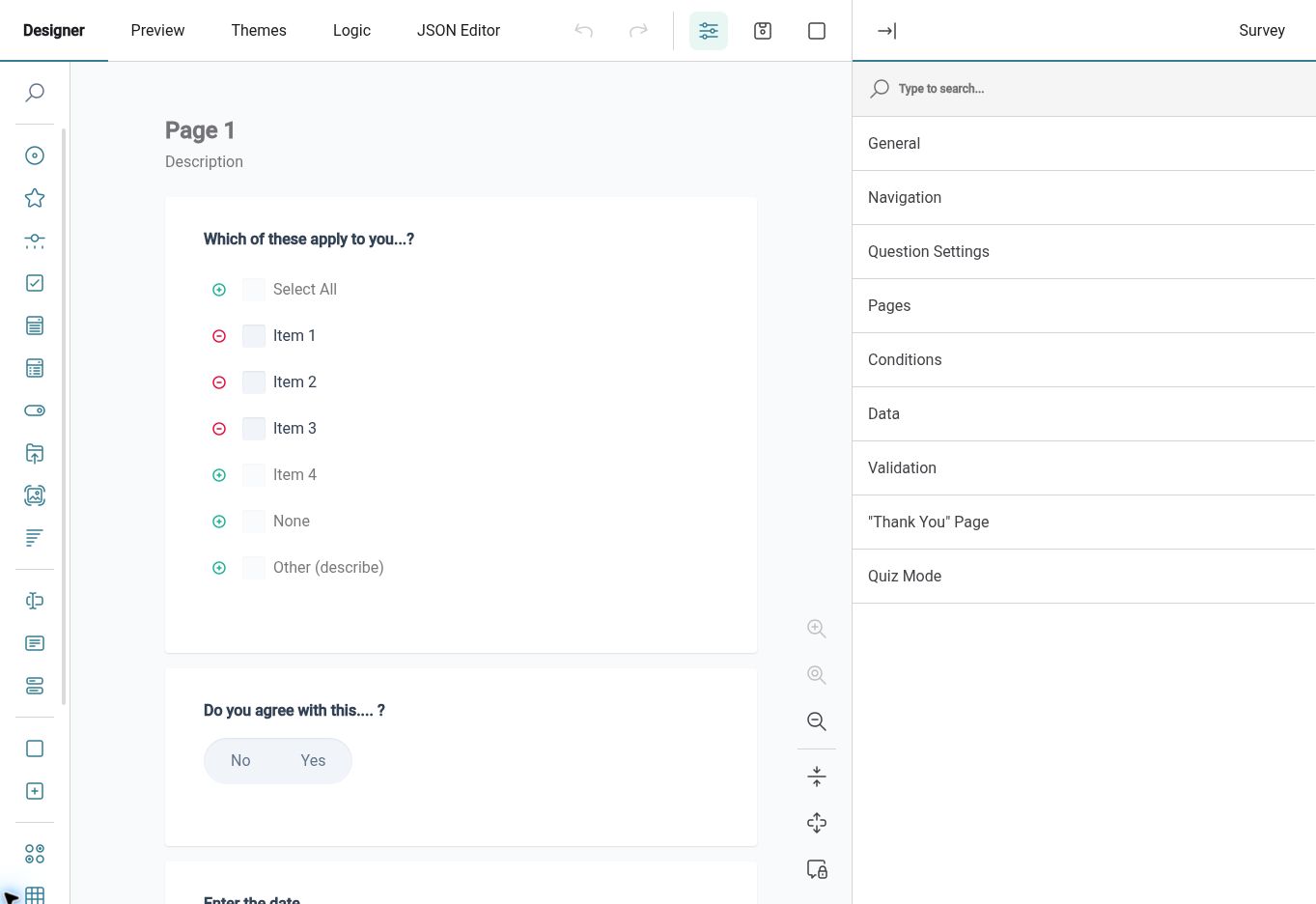
Choose question types that suit the information you need. HR Planner’s form designer includes rating scales, rankings, text inputs, single- and multi-select questions, matrices, file uploads and signatures. Multi-page forms and repeatable sections help organise more detailed information without forcing every question into the same format.
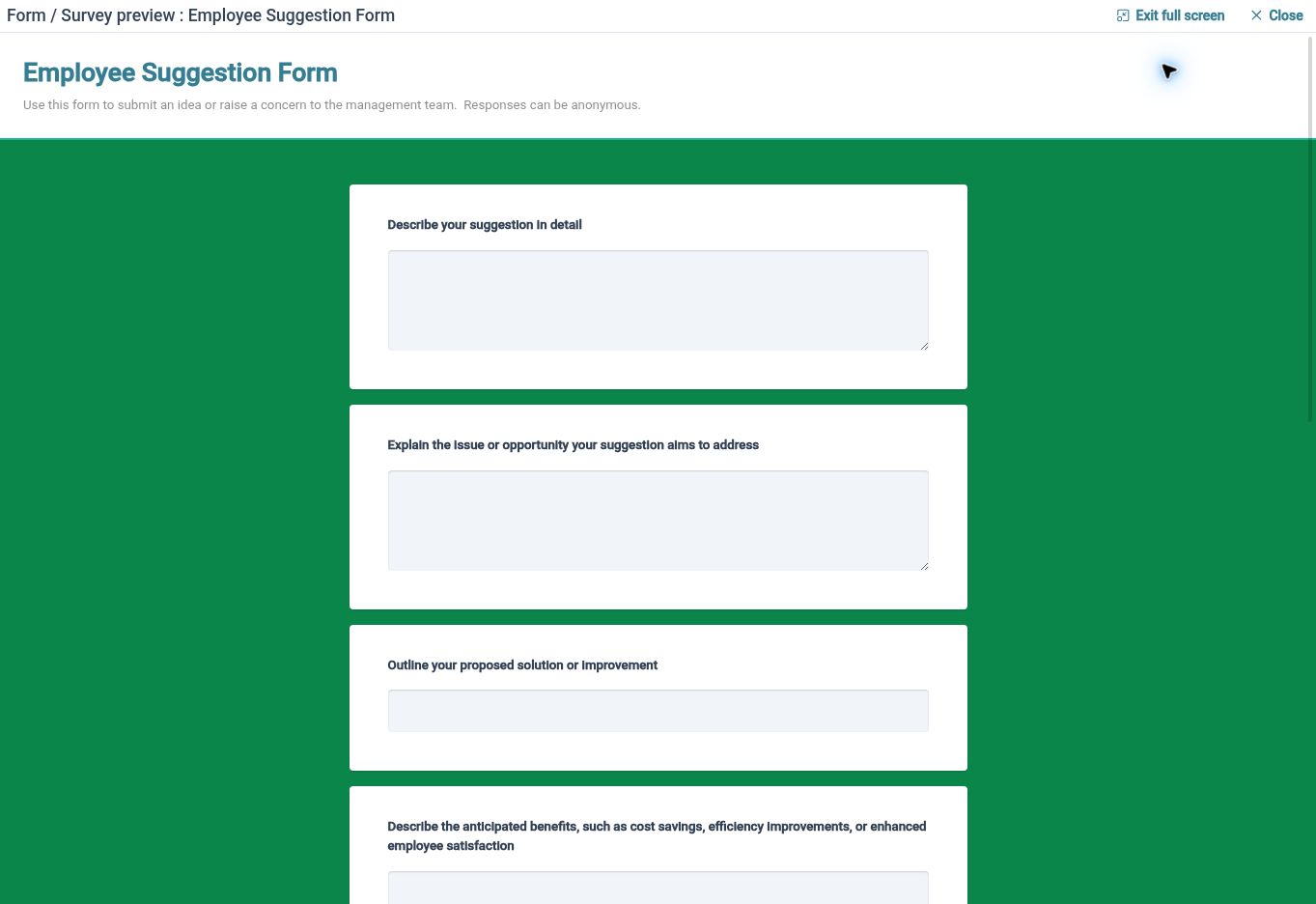
For example, an appraisal form could combine ratings with written comments and supporting documents. A workplace survey could ask Employees to rank improvement priorities, then explain their first choice. Preview the form before use so the questions and layout are clear.
Guide Each Response
Use conditional logic, required questions and validation to keep forms relevant and responses structured.
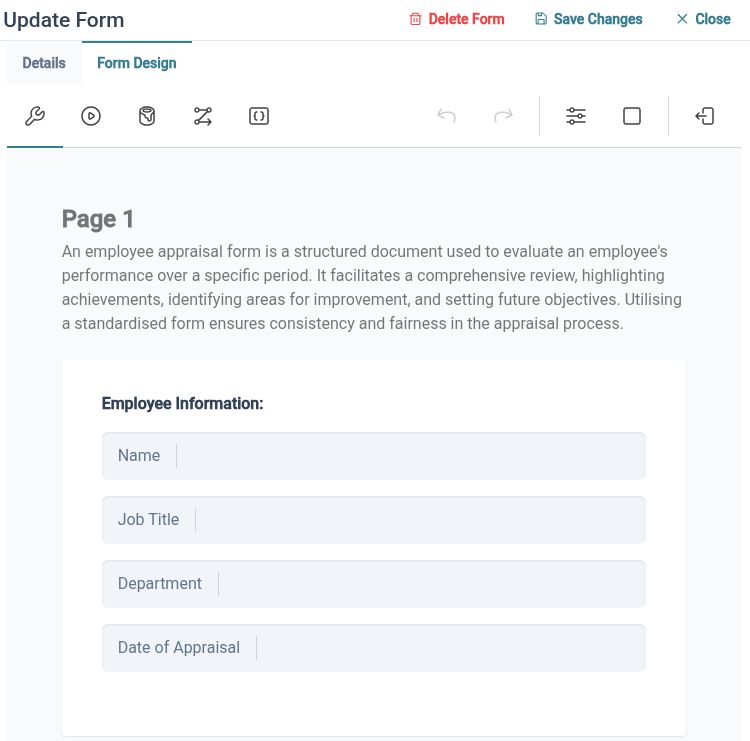
Logic and conditions let you tailor a form to the answers being given. Use validation and required-question settings where particular information is needed, and organise longer forms into pages or sections. Save useful forms for the next appropriate HR process.
For example, a question about working arrangements can lead to a relevant follow-up section. A training form can use the available quiz settings for knowledge checks, while a repeatable section can collect several entries in one response. Review the complete form in preview before making it available to Employees.
Choose Your Process
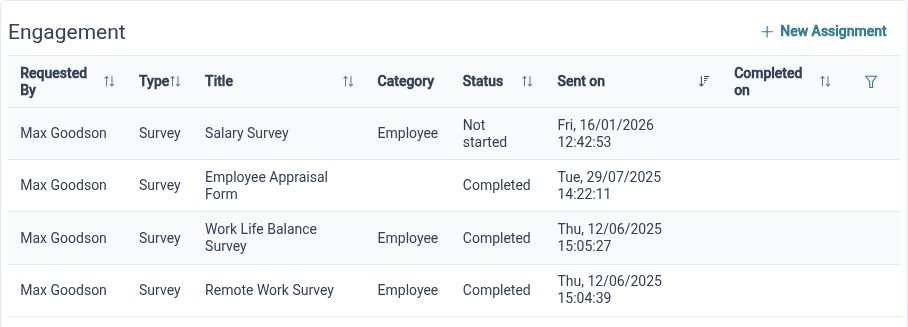
Use a form through a survey, an employee assignment or an employee-initiated feedback route, according to its configured submission type.
The same need to collect information can lead to different processes. A survey sends questions to selected recipients, an assignment gives an employee a form within a request and review flow, and feedback lets employees initiate input. Form definitions support these uses according to the configured submission type and permissions.
For example, a workplace questionnaire sent to a department belongs in a survey, while an individual information request may suit an assignment with review steps. An ongoing suggestion form can use the feedback route. Decide who starts the process and what should happen to the response before choosing how to use the form.
Built for everyday HR

Reusable question structures
Create a form definition that can be selected again for an appropriate HR process.

Preview before use
Review wording and presentation before asking employees to complete the form.

Purposeful collection
Choose a survey, assignment or feedback route based on how the information should be gathered.
Explore connected HR features
Employee Survey Software
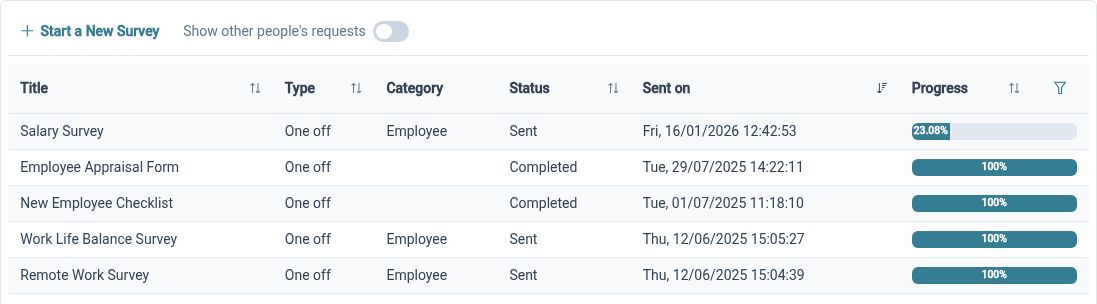
Employee Form Assignments and Approvals
Employee Feedback Software

Ready to take our software for a spin?
Organisations just like yours are using HR Planner. Start your free trial today to see how simple it can be!