
Employee Form Assignments and Approvals
Reuse HR forms as employee assignments, combining structured submissions with request and approval context.
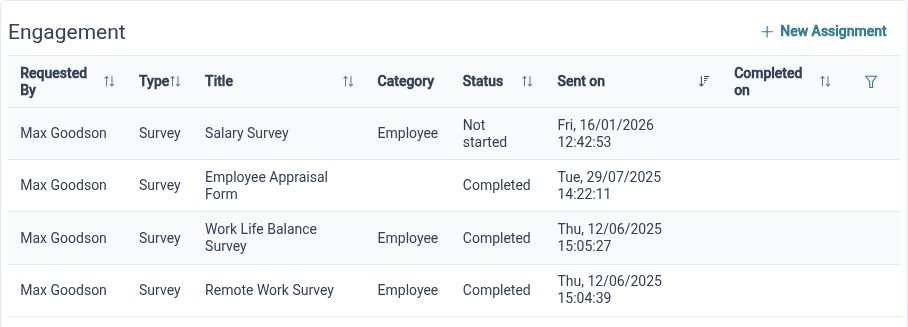
Give forms an owner
Assign a reusable form to an employee through a defined request process, making the information request a specific piece of HR work.
Some forms need to be completed by a particular person and reviewed as part of a process. Employee assignments connect a selected form to that employee and the associated request. This provides a clearer starting point than sending an attachment and keeping a separate list of who has been asked to complete it.
For example, HR could assign an internal information form to an employee before a planned discussion. Choose the appropriate definition and review the assignment details before submission. The employee’s response then belongs to a specific request, with the configured review steps giving the next stage a defined place.
Include the review steps
Use the assignment authorisation process to connect employee input with the people responsible for reviewing it.
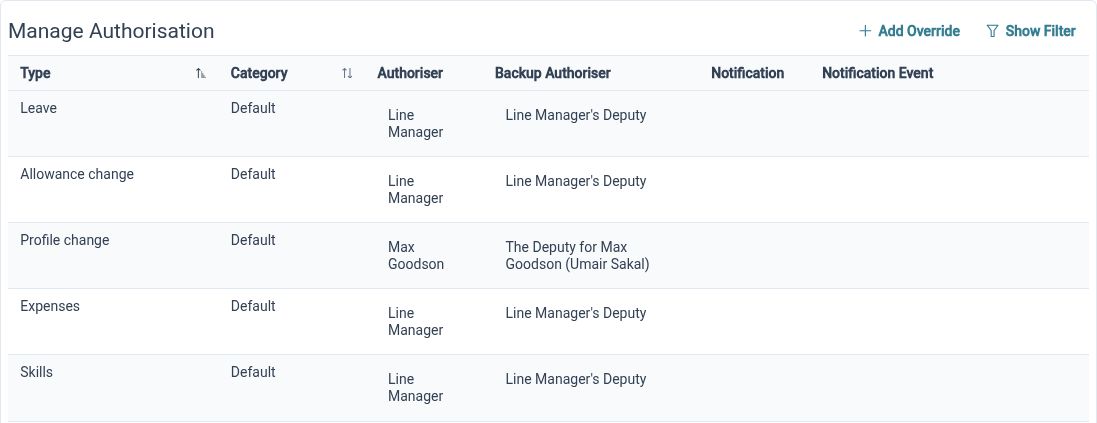
Completion and review are different parts of an employee form process. HR Planner’s assignment workflow connects form input to request and authorisation handling, allowing the relevant people to review the information. The form definition and review setup should reflect the actual process your organisation intends to run.
For example, a form gathering information ahead of a change discussion could be completed by the employee and reviewed by the appropriate manager or HR colleague. Keep the questions relevant to that decision and check the routing with the intended reviewers. A clear process makes it easier to understand what should happen after submission.
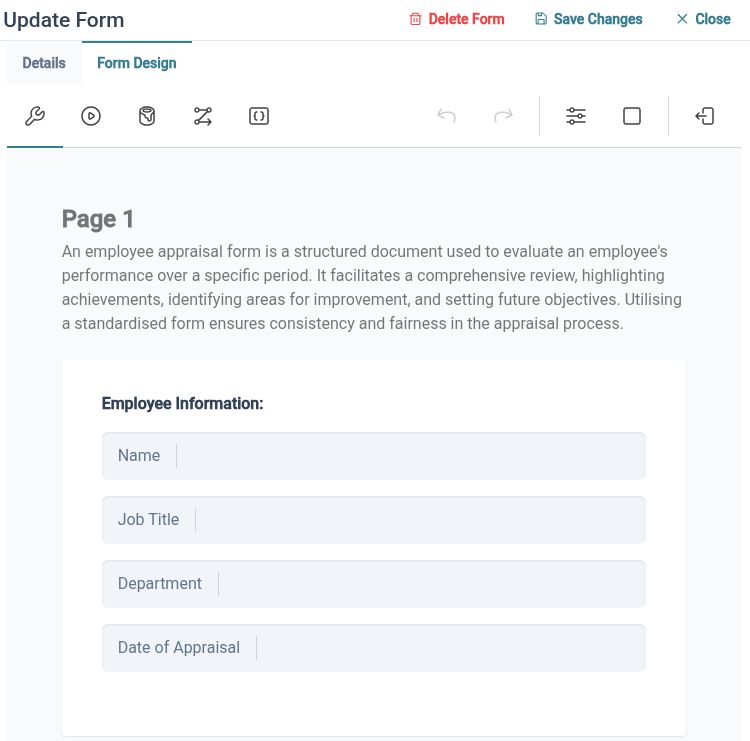
Repeat without retyping
Prepare assignments for multiple employees with a bulk preview, and retain eligible submission records in the employee’s document context.
When several employees need the same form, bulk preparation reduces repeated setup. HR Planner lets authorised users choose the relevant employees and review a batch before submission. Individual submission PDFs and eligible document storage provide a way to retain useful response records, subject to the form’s settings and permissions.
For example, assign the same information form to a selected team, checking the recipient list in the preview before sending it through the process. Each employee’s submission remains associated with their own activity. Where PDF storage is appropriate and enabled, the resulting document supports later reference from the employee context.
Built for everyday HR

Clear employee ownership
Attach the form request to the person who needs to complete it.
Connected review
Use configured authorisation steps to give submitted information an appropriate next stage.
Repeatable administration
Reuse forms and bulk previews when the same information is needed from several employees.
Explore connected HR features
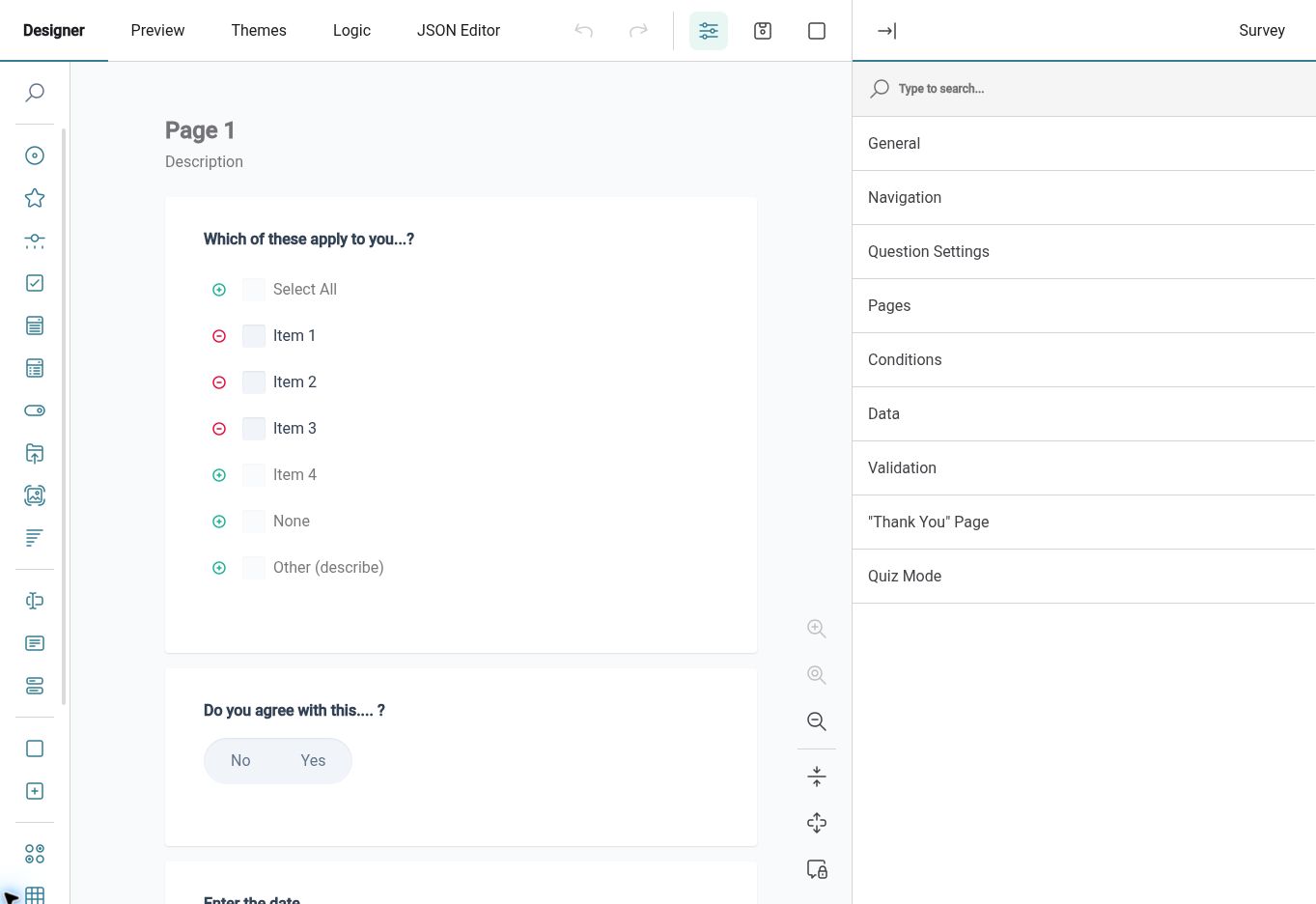
HR Form Builder
HR Approval Workflow Software
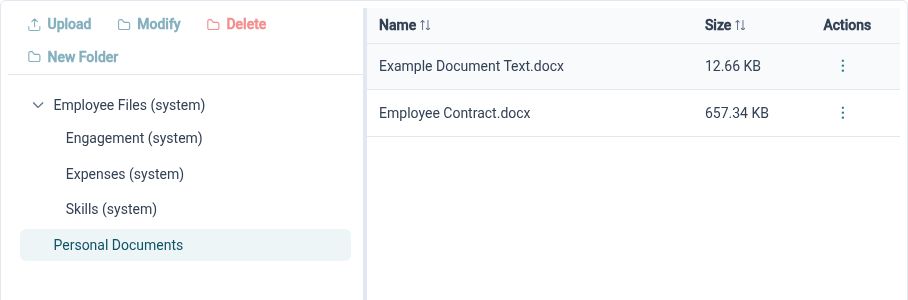
HR Document Management Software

Ready to take our software for a spin?
Organisations just like yours are using HR Planner. Start your free trial today to see how simple it can be!