
HR Document Management Software
Use a common document library for employee files, expense receipts and certificate evidence, with folders and configurable access settings.
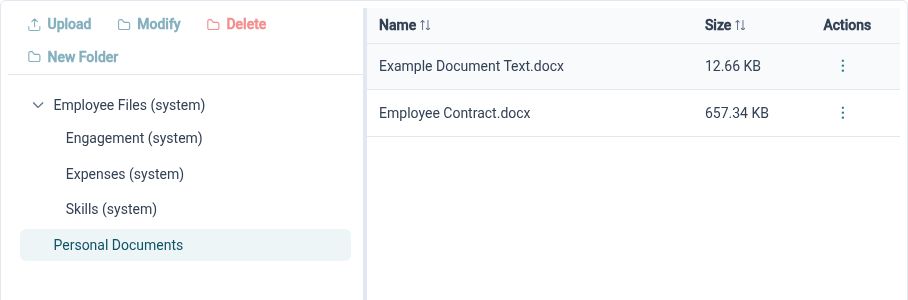
Give files a home
Organise HR documents in a folder-based library with list and thumbnail views, helping authorised users locate the files they need.
HR files are easier to work with when there is a recognisable structure around them. HR Planner provides a document library with folder navigation, document details and viewing actions. Administrators can create and rename folders so the arrangement reflects the types of information the organisation needs to maintain.
For example, a team could group general HR reference documents into clearly named folders and use document names that explain their purpose. A user looking for a file can browse the relevant location and inspect its details. The library structure provides context beyond an attachment sitting in an individual inbox.
Keep employee context
Connect documents to employee records, expense items and certificates, so evidence can be found alongside the activity it supports.

A central library and a linked employee record serve complementary purposes. Employee-associated documents can be accessed from the employee workspace, while the same document handling supports evidence for expense items and skill certificates. This keeps the relationship between a file and the relevant HR record visible.
For example, a qualification certificate belongs with the employee skill it supports, and a receipt belongs with the expense item it explains. Linking those files gives the reviewer a more direct route to the evidence. The document can be understood in the context of the record rather than through its filename alone.
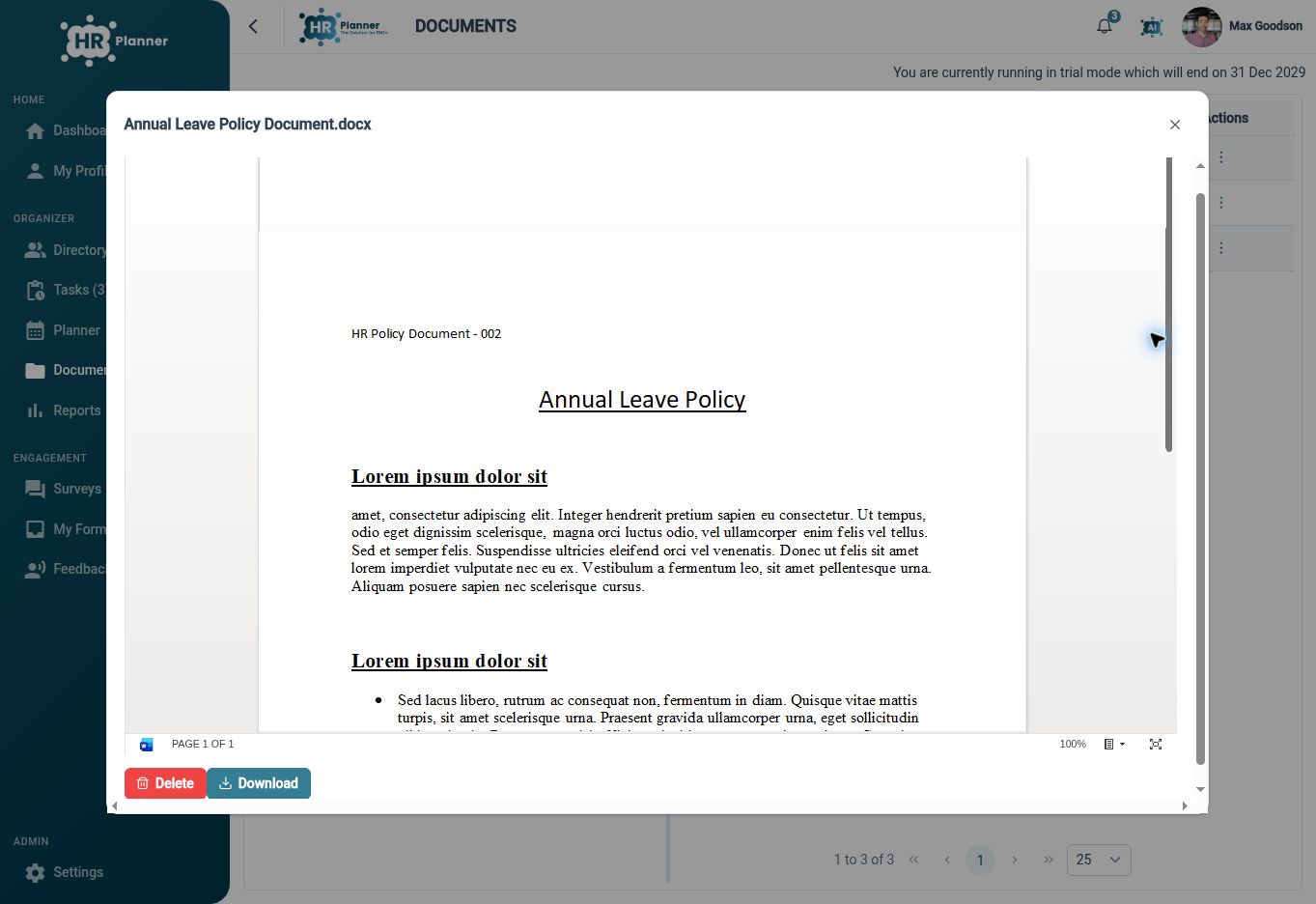
View files with context
Use supported document previews and downloads, with folder and employee permissions configured around the people who need access.
Opening a document should be a purposeful action within the user’s access. HR Planner offers viewing paths for supported file types and download actions, with behaviour dependent on the format and browser. Folder settings and employee permissions help administrators decide how the library should be used by different roles.
For example, an authorised reviewer can preview a sample PDF while checking an employee record, then download the original when needed for an approved task. Review the folders and roles before making files available more widely. Clear names and relevant document attributes also help users distinguish similar files when browsing.
Built for everyday HR

Organised HR files
Use folders and meaningful document details to make the library easier to navigate.

Evidence in context
Connect employee files, expense receipts and qualification documents to their records.

Useful viewing options
Preview supported formats and retrieve originals through the available document actions.
Explore connected HR features

Employee Records Software
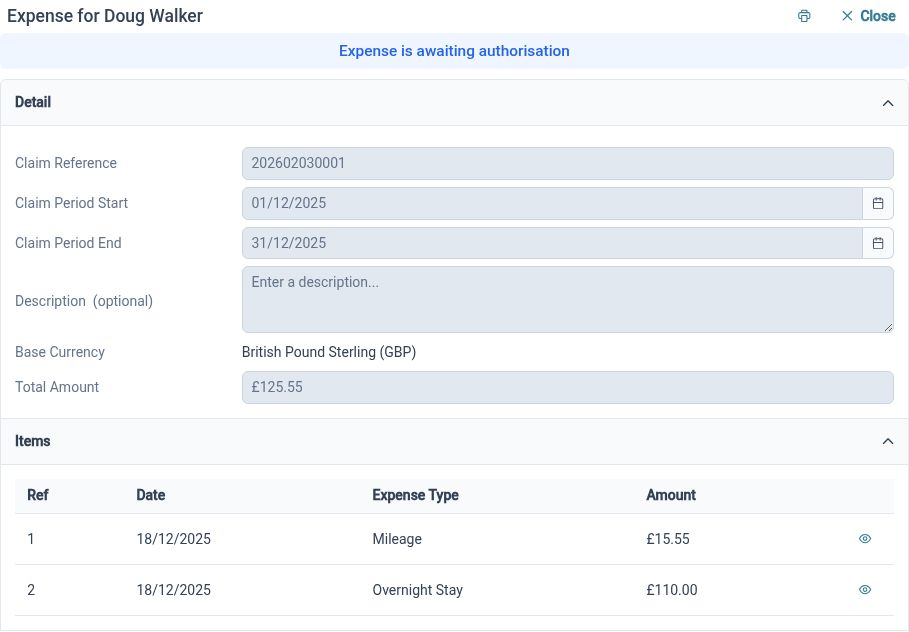
Employee Expense Management Software
Employee Skills and Certificate Tracking

Ready to take our software for a spin?
Organisations just like yours are using HR Planner. Start your free trial today to see how simple it can be!