
Employee Skills and Certificate Tracking
Connect employee skills with certificate documents, approval and upcoming expiry visibility to support qualification administration.

Know the skills held
Keep employee skills in a configurable catalogue, with qualification records connected to the person they describe.
Skill records give HR a structured way to maintain information about employee qualifications and capabilities. A configurable catalogue provides consistent skill names, while employee records hold the relevant entries. This makes it easier to return to a person’s recorded qualifications without searching through unrelated files or differently named spreadsheet columns.
For example, create a consistent catalogue entry for a qualification relevant to your organisation, then maintain each employee’s associated record. The shared name gives the team a common reference point. Supporting certificates can be connected to that skill so the record and evidence can be reviewed together.
Connect the evidence
Attach certificate documents and submit certificate changes through the configured review process, keeping evidence beside the skill record.
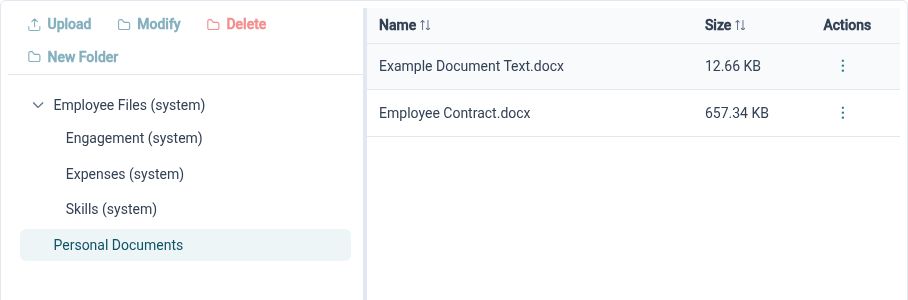
A recorded skill and its supporting evidence answer different questions. HR Planner connects certificate records and attached documents to employee skills, with workflow support for certificate changes. Skill-specific configuration can specify evidence and expiry-date requirements, giving administrators a way to define what a complete record should contain.
For example, an employee can submit a replacement certificate after completing a renewal. The reviewer can open the evidence and assess the certificate details in the same context. Where a skill requires an expiry date, include it so the record can support the organisation’s later renewal review.
Look ahead to renewals
Use upcoming-expiry information and the certificate-expiration widget to identify qualification records that need follow-up.
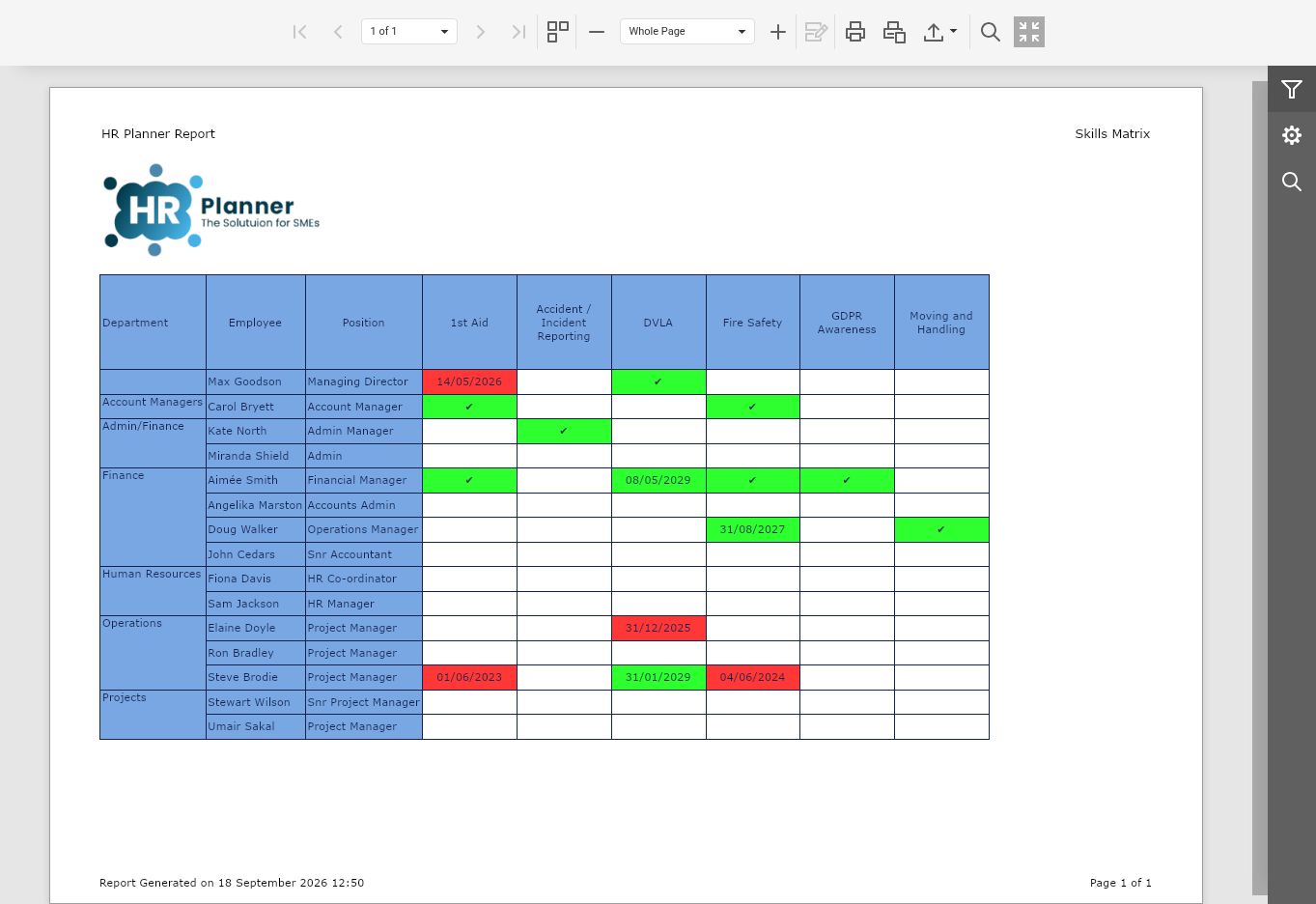
Expiry visibility helps teams plan their next steps before a certificate reaches its recorded end date. HR Planner provides upcoming-expiration data and a configurable dashboard widget, with filters to focus the view. A renewal interface lets administrators work from the existing employee skill and certificate context when new evidence is available.
For example, a manager could review certificates due to expire in the coming period, then arrange the appropriate follow-up outside the system. Once renewed evidence is available, update the certificate through the renewal process. The record supports tracking and review; the training or assessment itself remains a separate activity.
Built for everyday HR

Consistent skill records
Use a shared catalogue to organise employee qualification information.

Evidence with context
Keep certificates and reviewable changes attached to the relevant employee skill.

Visible renewal needs
Use expiry views to identify records that need follow-up and updated evidence.
Explore connected HR features
HR Document Management Software
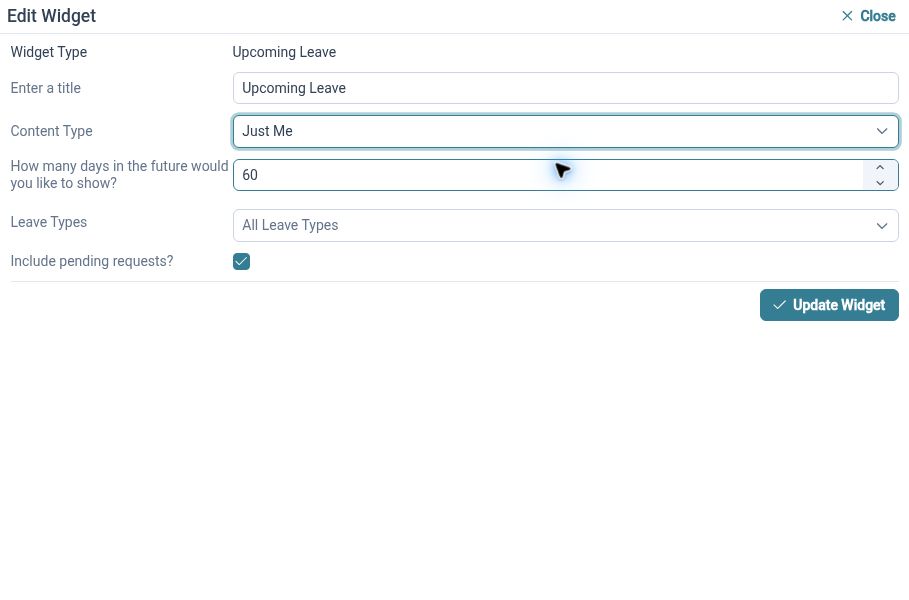
Customisable HR Dashboards
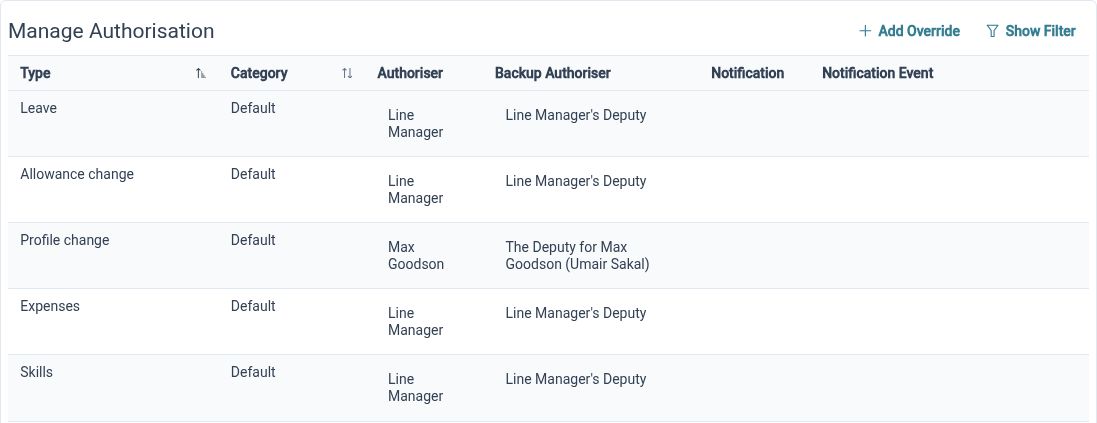
HR Approval Workflow Software

Ready to take our software for a spin?
Organisations just like yours are using HR Planner. Start your free trial today to see how simple it can be!