
Leave and Absence Management Software
Connect leave booking and review with employee working patterns, entitlement and team availability, helping managers assess requests with the relevant context.
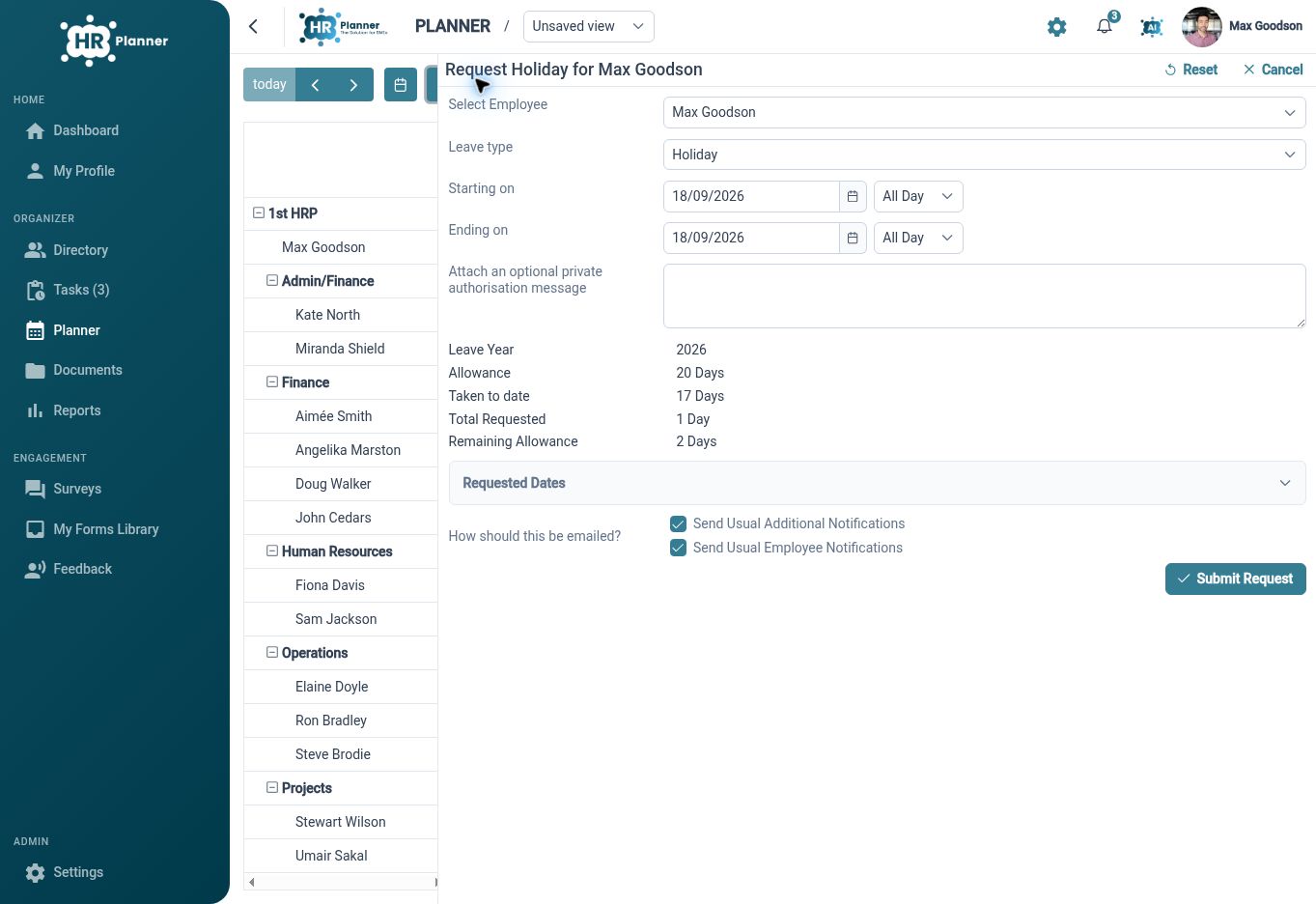
Book the time needed
Support full-day, part-day and specific-time requests according to the selected leave type and the employee’s working pattern.
Leave requests need to fit the way people work. HR Planner connects the booking period to the employee’s schedule and the options enabled for that leave type. Employees can provide dates and relevant context, then review the request summary and validation feedback before submitting it for the configured approval process.
For example, someone taking a few hours for an appointment can choose a specific period when the policy allows it. A colleague booking a week away uses the same request process with a different period. The preview helps each person understand how the request relates to their working time and allowance.
Put policy into practice
Configure leave categories, notice rules and booking limits, with clear messages to help people understand the requirements that apply.
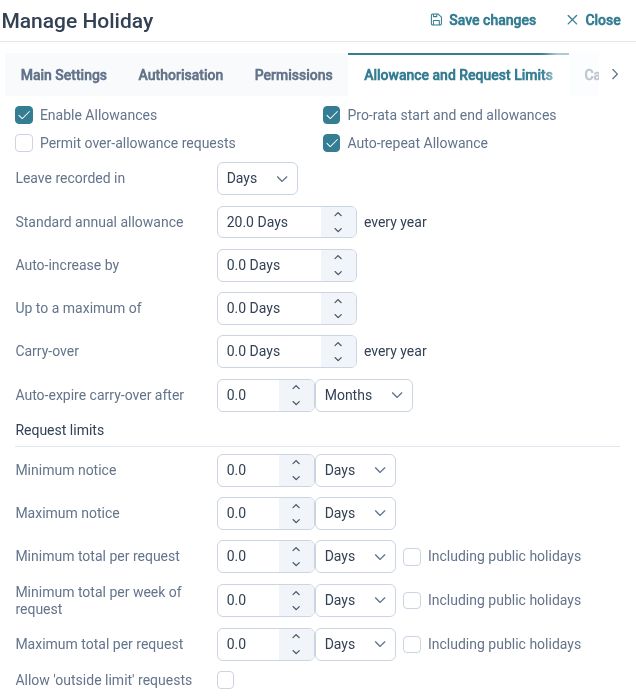
Different types of absence need different handling. Leave types and subtypes can carry their own descriptions, booking settings, allowance context and authorisation configuration. Inherited settings support common rules across the organisation, while configured variations let administrators account for different needs in the appropriate scope.
For example, annual leave might require advance notice, while an eligible absence type can be recorded without a confirmed end date. Set the relevant rules for each category and review the message shown to the person making the request. This makes policy part of the booking experience rather than a separate document to interpret.
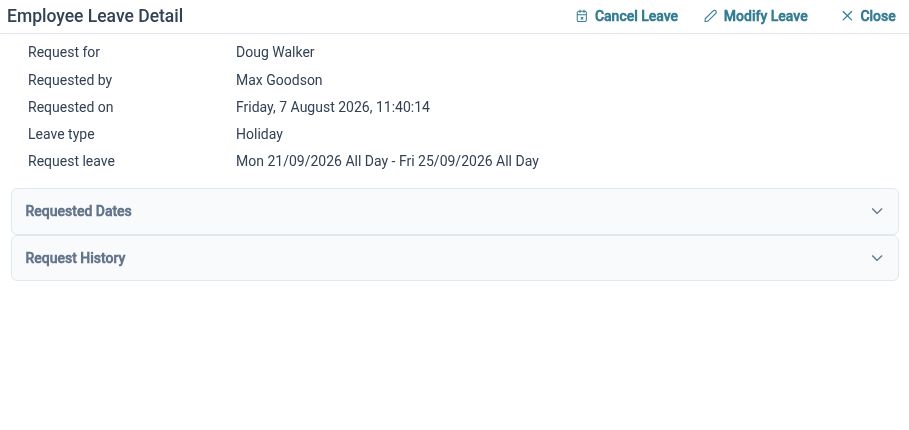
Handle changing plans
Review, amend or cancel leave through the request process, keeping the employee’s calendar and the team’s planning context connected.
A request does not always end with the original booking. HR Planner supports amendments, cancellation and individual-day cancellation where permissions and policy allow them. Reviewers can access request details and notes, while employee leave summaries and the planner provide the surrounding calendar context.
For example, an employee returning a day early can request a change to the relevant booking rather than starting an unrelated email chain. A manager can review the updated period alongside other team leave. Private approval context and calendar-visible notes have distinct purposes, helping the right information reach the right audience.
Built for everyday HR
Flexible booking periods
Match the request to permitted days or hours and the employee’s working schedule.

Visible policy guidance
Show relevant booking rules and validation feedback during request preparation.

Connected leave decisions
Bring requests, allowance context and team availability into the same HR process.
Explore connected HR features
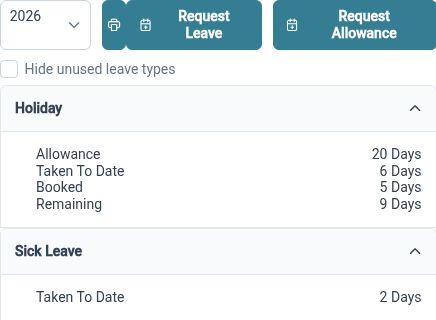
Holiday Entitlement and Leave Years
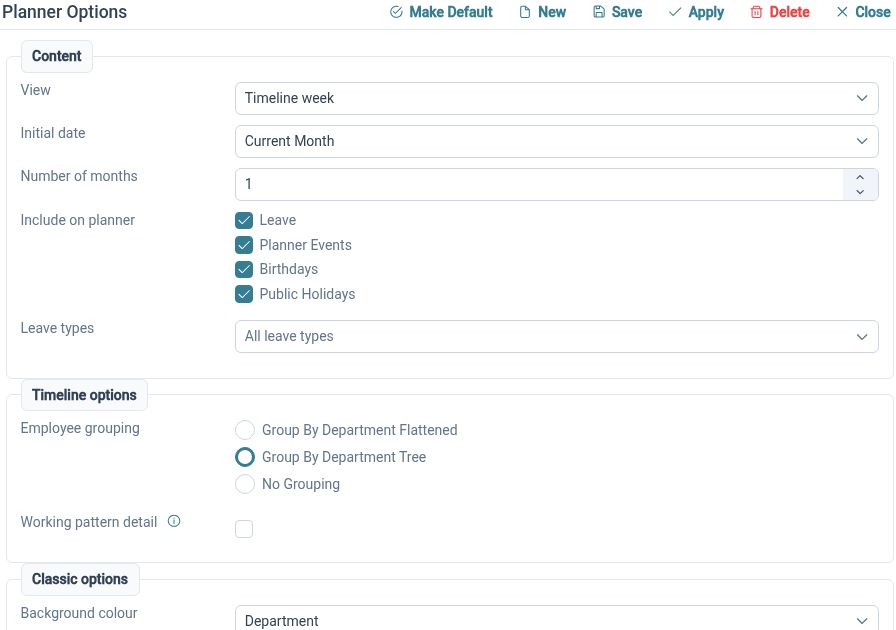
Staff Availability and Leave Planner
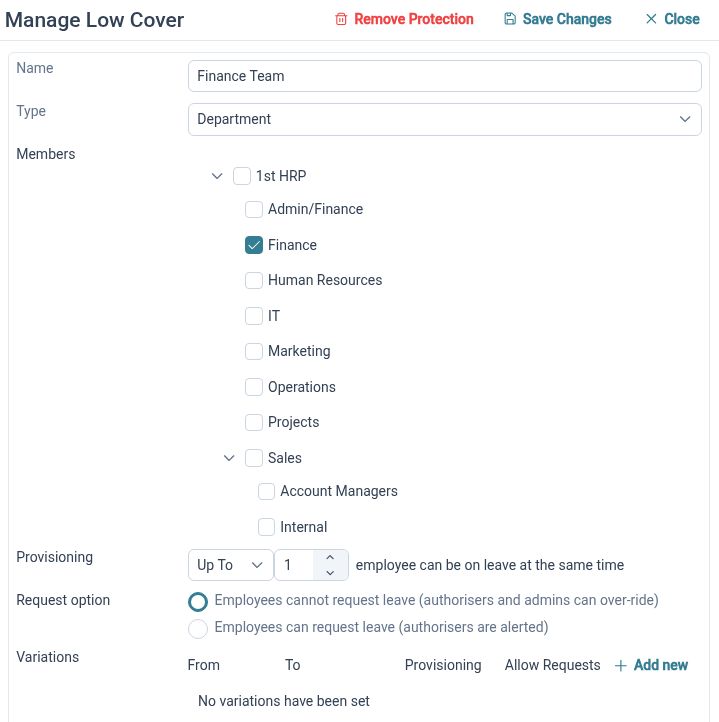
Minimum Staffing Cover for Leave Requests

Ready to take our software for a spin?
Organisations just like yours are using HR Planner. Start your free trial today to see how simple it can be!