
Staff Calendar iCal Feeds
Publish permitted planner information through iCalendar feeds that compatible calendars can subscribe to, with controls to replace feed identifiers.
Take a calendar view
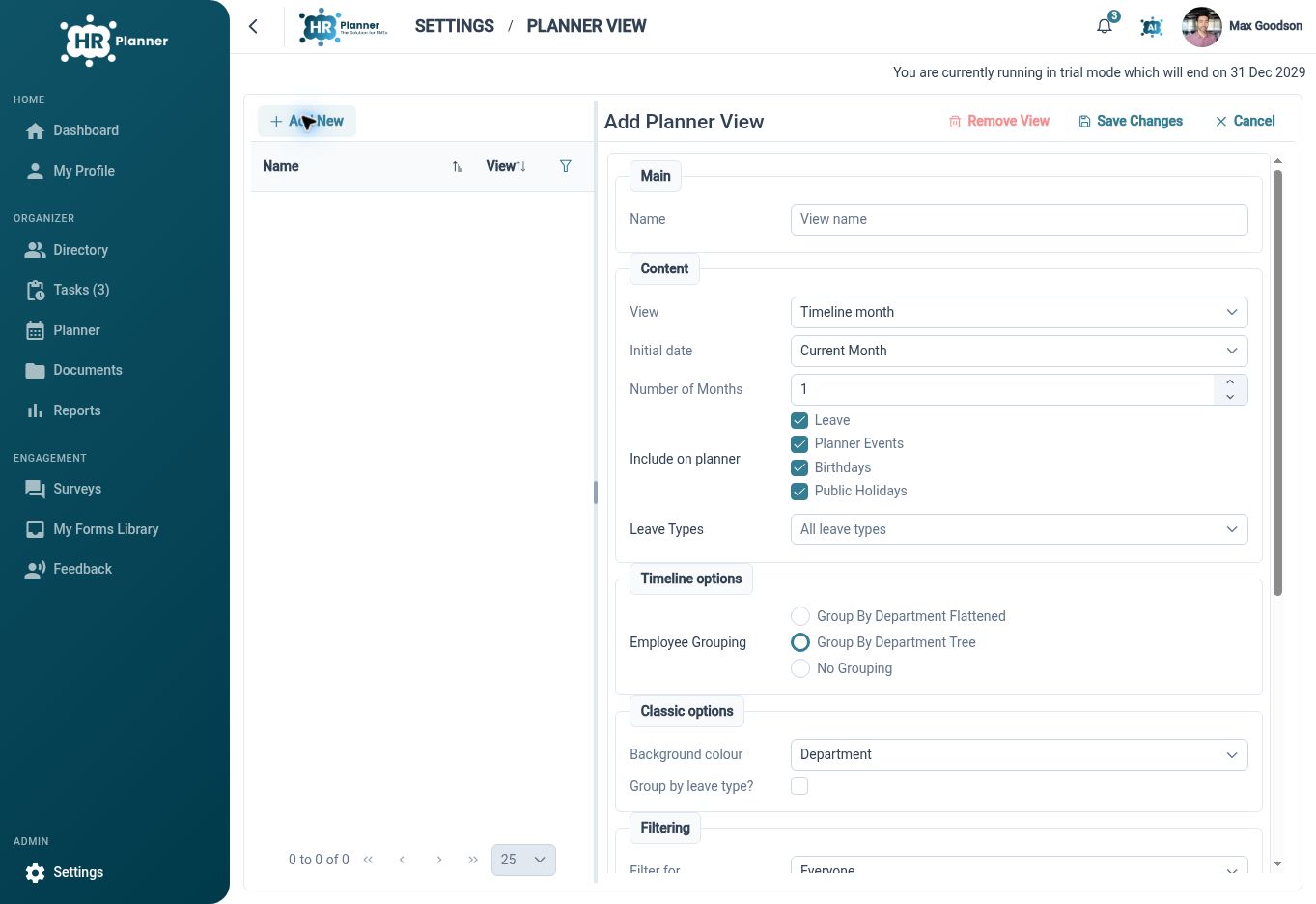
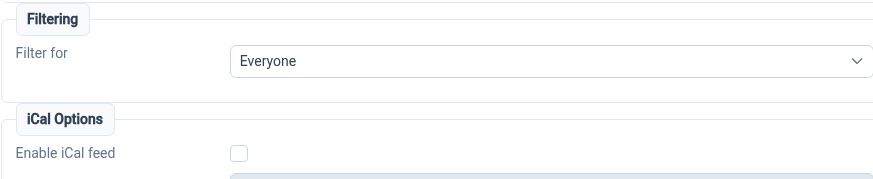
Enable an iCal feed for an appropriate planner view so its calendar information can be subscribed to in a compatible calendar application.
An iCalendar feed provides a subscription route for calendar information outside the HR Planner workspace. Planner-view settings determine the relevant view and feed configuration, subject to the available tenant and user permissions. The receiving calendar application controls how it handles and refreshes that subscription.
For example, a manager could use a suitable team planner feed alongside their other calendar information in a compatible application. Start with the intended planner view and confirm what its feed actually displays. This supports visibility of calendar information; requests and changes should continue through the relevant HR Planner process.
Choose the right view
Review planner filters and event selections before enabling the feed, so the calendar subscription has an appropriate scope.
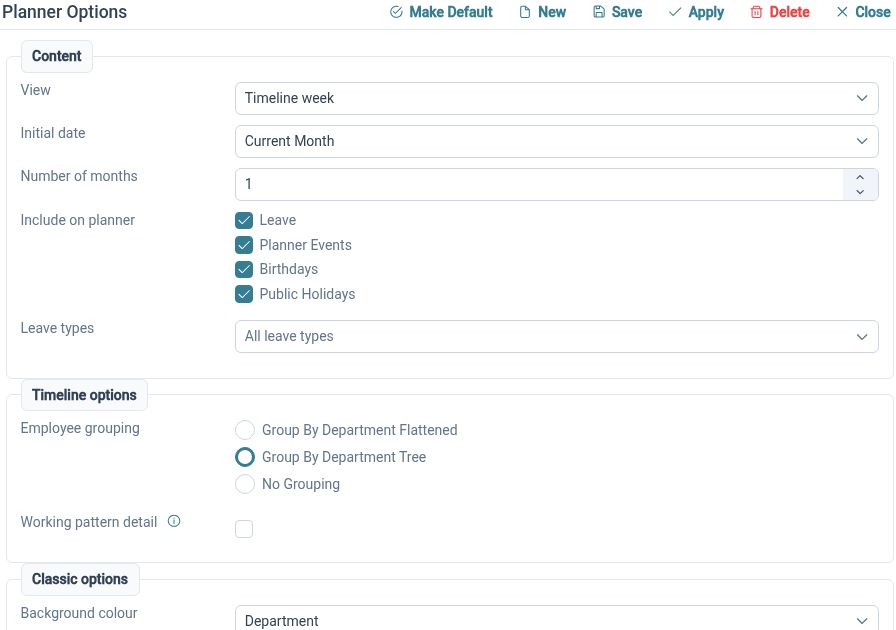
A calendar feed is most useful when the underlying view answers a clear planning question. Named planner views can hold organisation filters, display choices and event selection. Check the content exposed by the enabled feed in the receiving application, particularly when the intended audience differs from the people using the full HR workspace.
For example, a team view focused on upcoming absence has a different purpose from a wider administrative planner. Prepare the view, confirm the permitted feed content and test the subscription using fictional data. That review helps the organisation decide which calendar information should be available through the selected route.
Replace a feed link
Use feed-identifier reset options when a subscription link needs to be replaced, then review the affected subscriptions.
A calendar subscription link should be handled deliberately because it provides a route to calendar information. HR Planner exposes planner-feed reset controls and a separate personal calendar identity reset. The effect of a particular reset should be checked in the intended setup so users understand which subscriptions need attention afterwards.
For example, if a feed link has been shared outside its intended audience, use the appropriate reset process and verify the old and new subscription behaviour. Update authorised subscriptions as needed. Keep usable links out of emails, screenshots or documents intended for a wider audience than the calendar itself.
Built for everyday HR

Calendar subscription support
Use enabled iCal feeds with a compatible calendar application for additional visibility.

A purposeful planner scope
Start from the view and event choices relevant to the intended audience.

Replaceable subscription links
Use the available reset controls when a feed identity needs to change.
Explore connected HR features
Staff Availability and Leave Planner
Leave and Absence Management Software
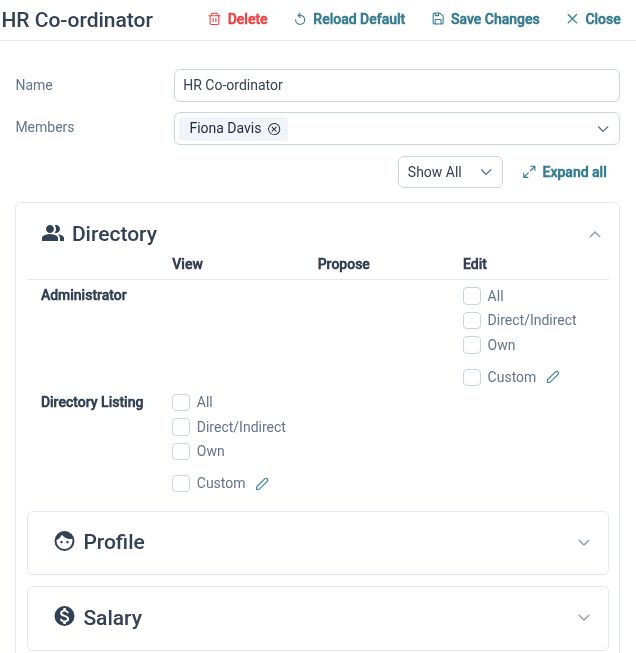
HR Roles and Access Permissions

Ready to take our software for a spin?
Organisations just like yours are using HR Planner. Start your free trial today to see how simple it can be!