
HR Roles and Access Permissions
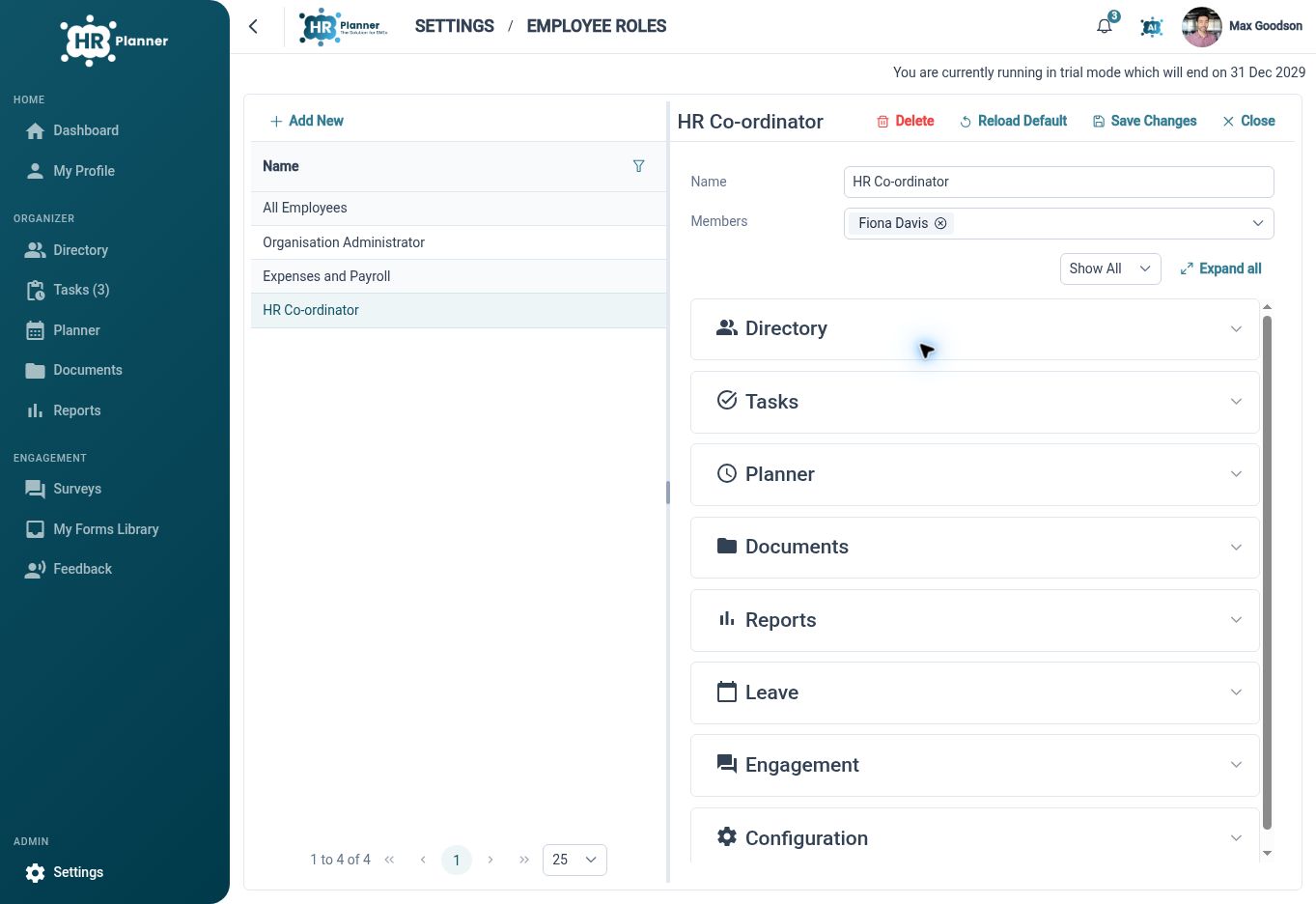
Configure roles alongside self, team and organisation scopes, with separate read, propose and edit actions for supported employee information.
Match access to roles
Configure HR roles around the work people need to do, so employees, managers and administrators have an appropriate starting point.
A growing organisation needs more than one broad distinction between an administrator and everyone else. HR Planner provides role and access configuration for customer HR activities, allowing responsibilities to be reflected in the available functions. The right arrangement starts with the tasks each group needs to carry out.
For example, a manager may need to review team requests while HR maintains employee records across the organisation. An employee needs a different set of actions in their own workspace. Define those responsibilities first, then check the configured roles with the people who will use them in practice.
Choose scope and action
Set whose records a user can access separately from whether they can read information, propose a change or edit it.
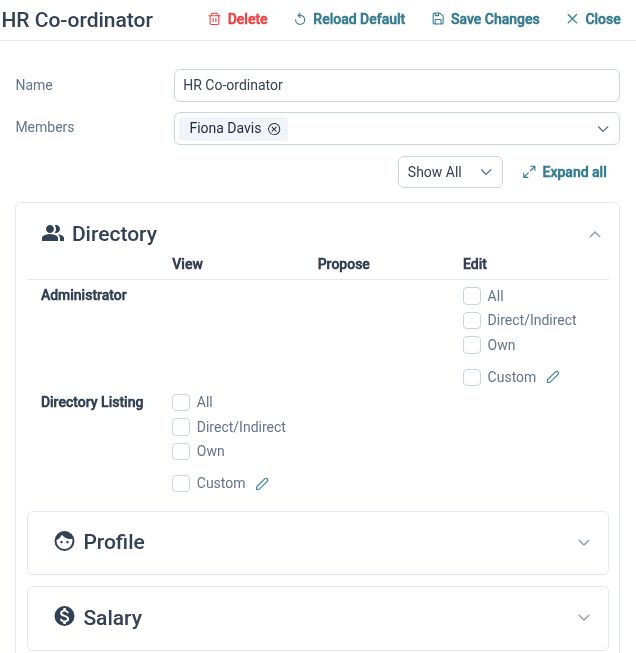
Access scope and permitted action answer different questions. HR Planner distinguishes self, team and all-employee contexts, with separate read, propose and edit rights. Combining those choices lets administrators support managerial and employee involvement without assuming everyone who can view information should be able to change it directly.
For example, an employee could view their own information and propose selected updates, while a manager reviews relevant team records. HR can have wider maintenance responsibilities where required. The proposal route provides a review step for changes that need checking before they become part of the maintained record.
Refine the boundaries
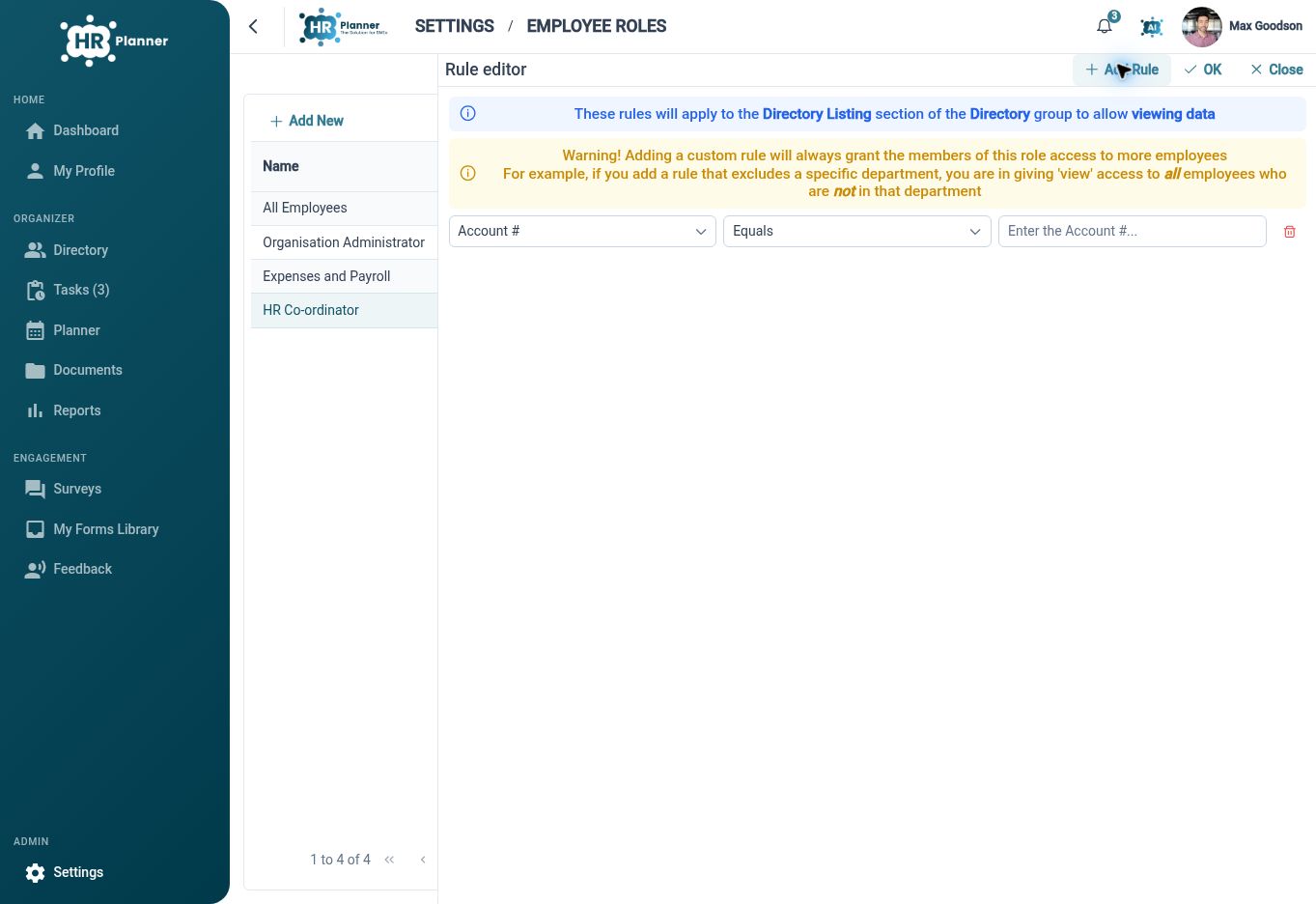
Use supported field-based rules and area-specific settings to reflect the details of your organisation’s access requirements.
Some access decisions depend on more than a role name. HR Planner includes rule configuration using fields, operators and values, alongside permissions for areas such as reports and salary records. These controls give administrators additional ways to define the intended boundaries, with the actual user experience checked against the chosen setup.
For example, a role may need a carefully scoped view of particular employee information while a sensitive report has its own access policy. Review those settings together and test them with representative users. A documented access arrangement is easier to maintain when people change roles or responsibilities within the organisation.
Built for everyday HR

Responsibilities made explicit
Start access configuration from the HR tasks each role needs to perform.

Separate viewing and editing
Choose record scope and permitted actions as distinct parts of the access arrangement.

More precise configuration
Use supported rules and area-specific settings where broad roles need refinement.
Explore connected HR features

Employee Self-Service HR Software
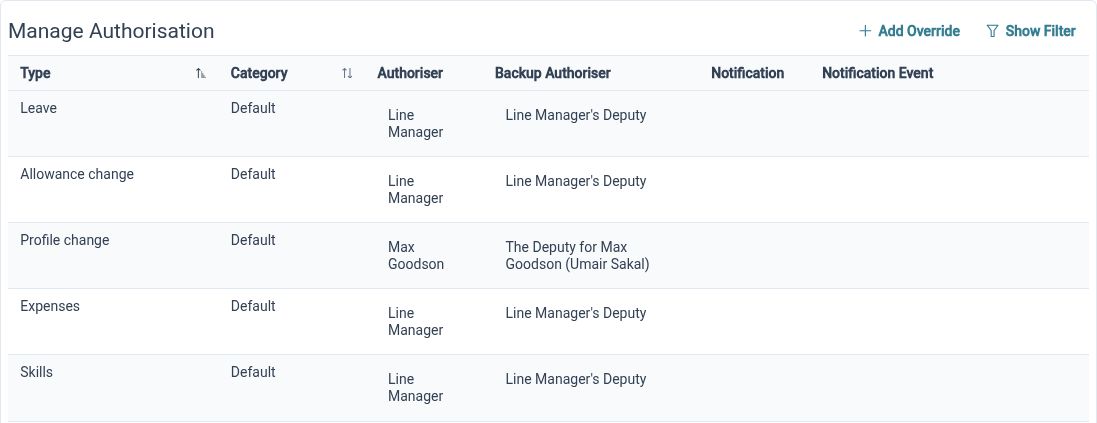
HR Approval Workflow Software
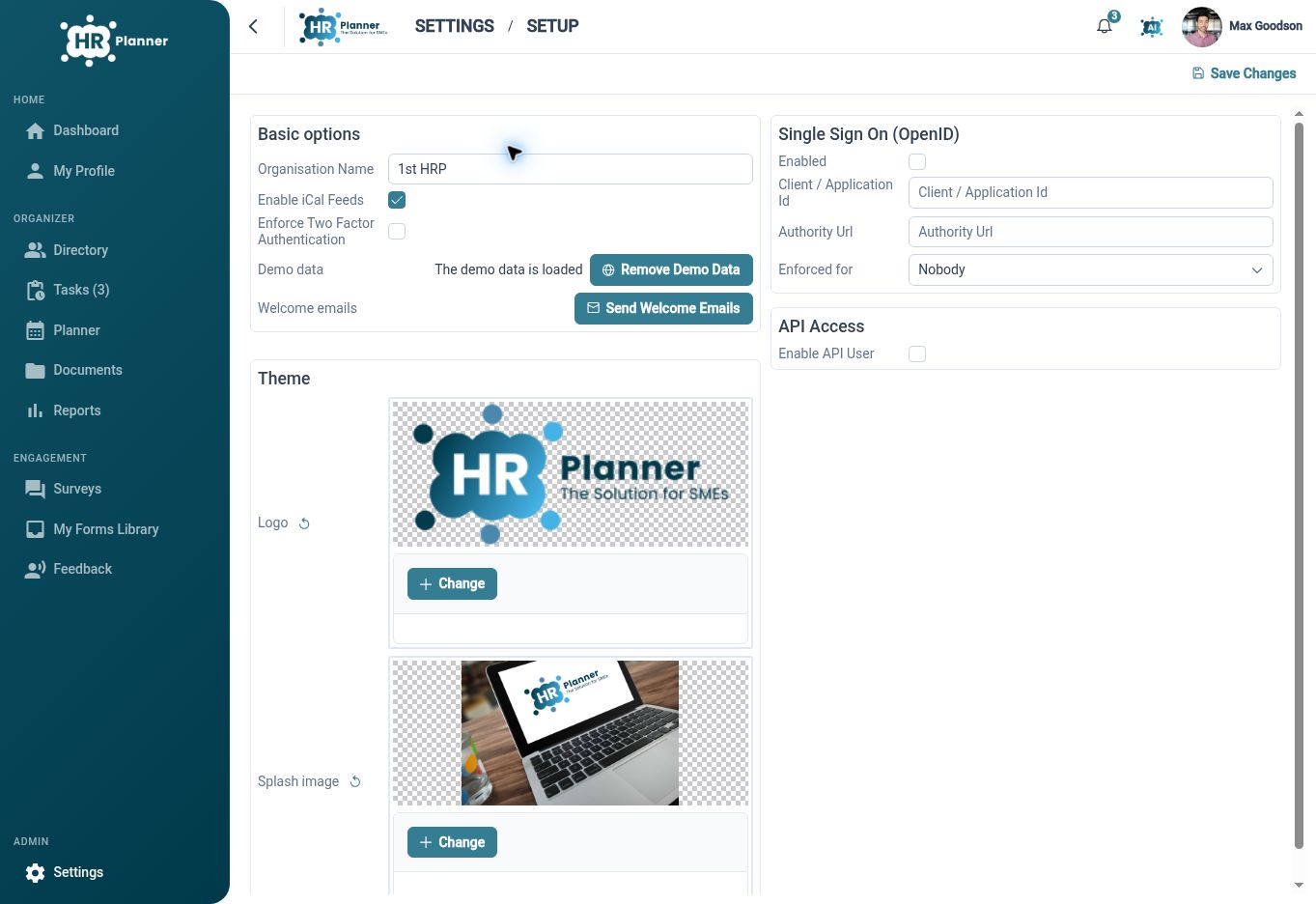
OpenID Connect SSO for HR Software

Ready to take our software for a spin?
Organisations just like yours are using HR Planner. Start your free trial today to see how simple it can be!