
Employee Records Software
Bring your employee information together. HR Planner connects configurable employee records with leave, skills, expenses and documents, helping your team find the context they need for everyday HR.

Your records, your way
Use custom fields and sections to organise employee details. Find colleagues in a searchable directory, with company, department and reporting information alongside their records.
An employee record gives your team a consistent place to find a person’s details and the HR information linked to them. Custom sections let you group related information, while text, date and selection fields help you capture it in a useful format. Labels and hints explain what belongs in each field.
For example, you could create an equipment section with fields for a laptop asset number, issue date and equipment type. A selection list keeps equipment categories consistent, and required fields help avoid missing details. Company, department and reporting information provides the organisational context around each person.
Everyday HR, simplified
Let employees view their information and start HR requests from their profile. Choose which details they can edit directly and which changes need approval.
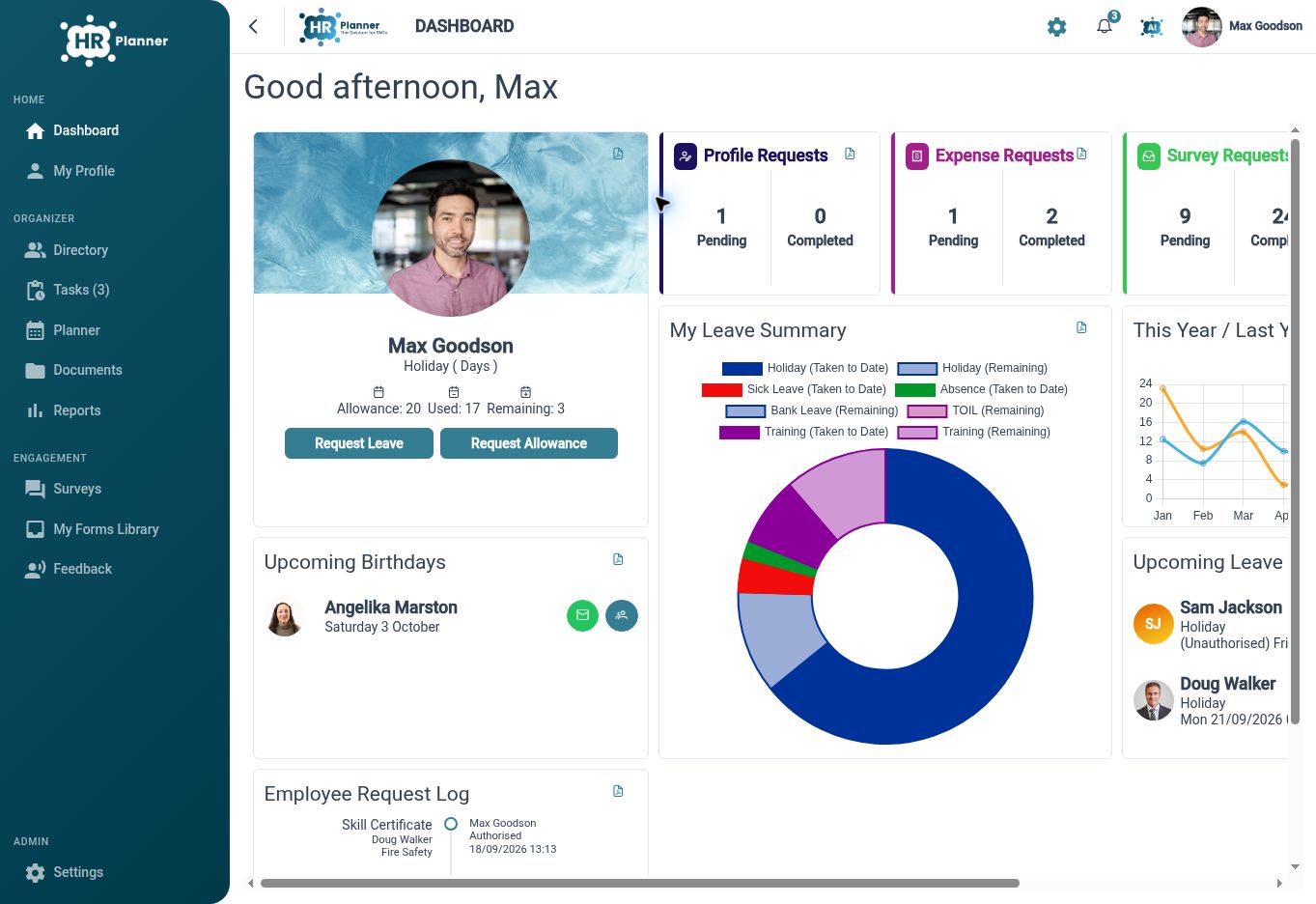
Self-service gives employees a direct way to check their own information and take part in keeping it up to date. Through My Profile, they can use the actions your organisation makes available, such as starting a leave request or proposing an update to their details. HR can decide where direct editing is appropriate and where a review is needed.
For example, when someone moves house, you could let them propose a new address for approval instead of emailing the change to HR. Other fields could allow direct updates or remain view-only. That means employees can handle routine updates while your chosen review process stays in place.
Control who sees what
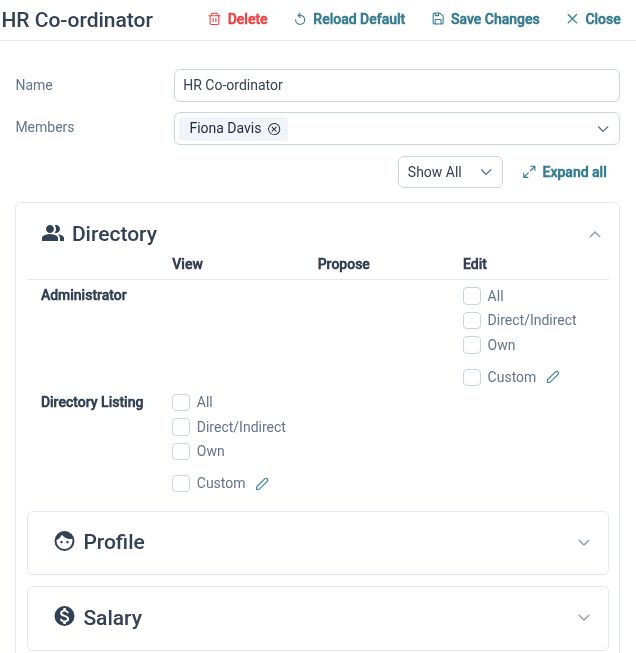
Choose what employees, managers and HR teams can view or change. Configure access to personal, team and organisation records, with review steps for proposed updates.
Access settings answer two separate questions: whose information can someone access, and what can they do with it? HR Planner distinguishes between personal, team and organisation-wide records, with separate rights to read information, propose changes or edit it. You can use these controls to reflect the responsibilities of employees, managers and HR administrators.
For example, you could let an employee view their own details, give a manager access to relevant team records and allow HR to maintain records across the organisation. Where a change needs checking, proposal rights provide a review step. The result is a practical way to delegate everyday HR work with defined boundaries.
More context for everyday HR
Review employee updates
Keep proposed information changes within a request process, with the relevant approval responsibilities configured for your organisation.
Keep HR tasks in view
Use task lists and in-app notifications to follow relevant HR requests and see which actions need attention.
Connect skills and evidence
Keep employee skills connected to qualification records and supporting certificates, with review steps for certificate changes.
Explore connected HR features
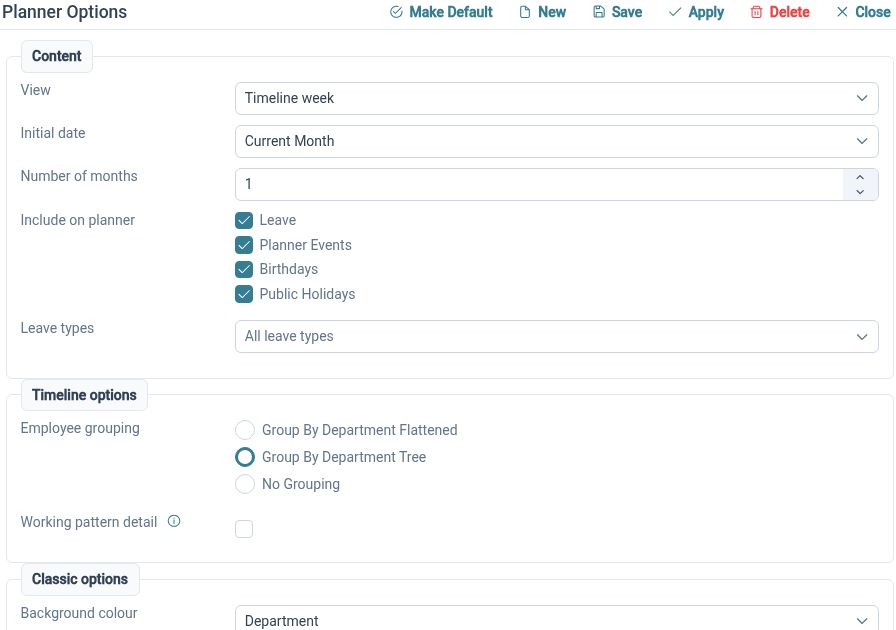
Staff Holiday Planner
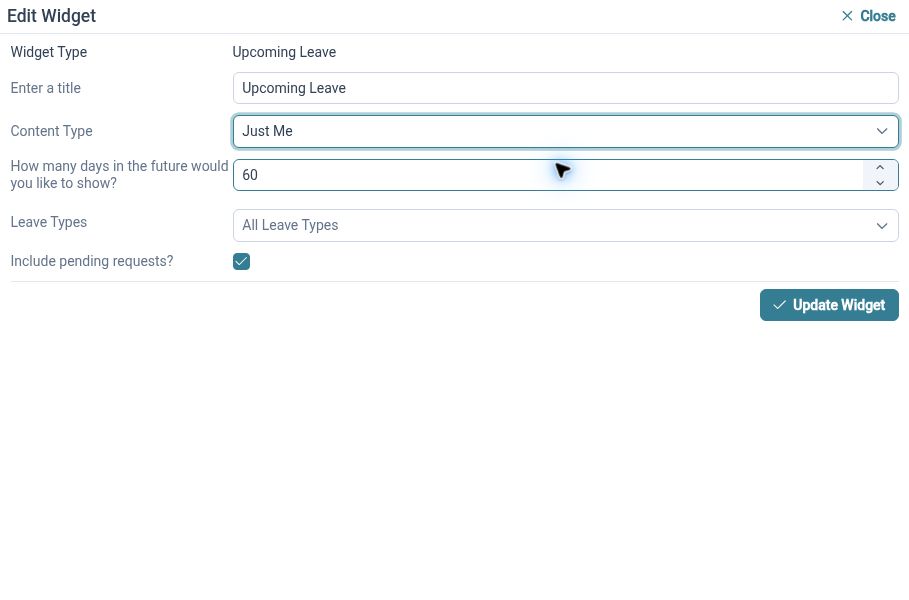
Customisable HR Dashboards
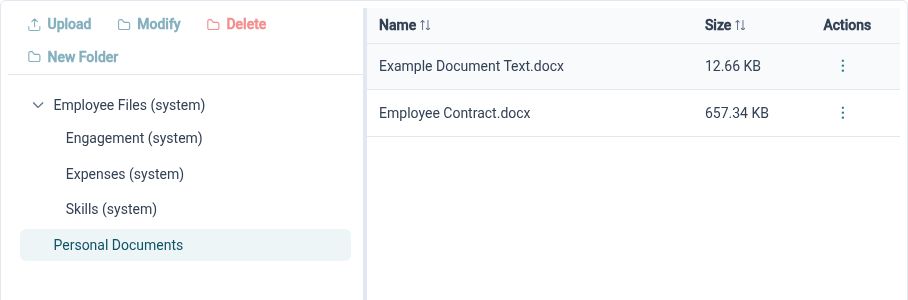
HR Document Management

Ready to take our software for a spin?
Organisations just like yours are using HR Planner. Start your free trial today to see how simple it can be!