
Employee Self-Service HR Software
Give employees access to their own information and requests while using separate view, propose and edit rights to match your organisation’s approval policy.

Your HR, within reach
Give employees one place to check their personal information and use the HR actions available to them, wherever they work.
My Profile brings an employee’s information and permitted HR actions into their own workspace. Instead of asking HR where to find a record, employees can open their profile and check the details they are allowed to see. The available information and actions follow your organisation’s access settings.
For example, a colleague preparing for a holiday can check their leave summary and start a request from their employee workspace. A phone-width view also makes it practical to look up information away from a desk. Employees still see the options your organisation has enabled for them.
Updates with oversight
Let employees maintain their details through direct edits or proposed changes, with review steps where your policy calls for them.
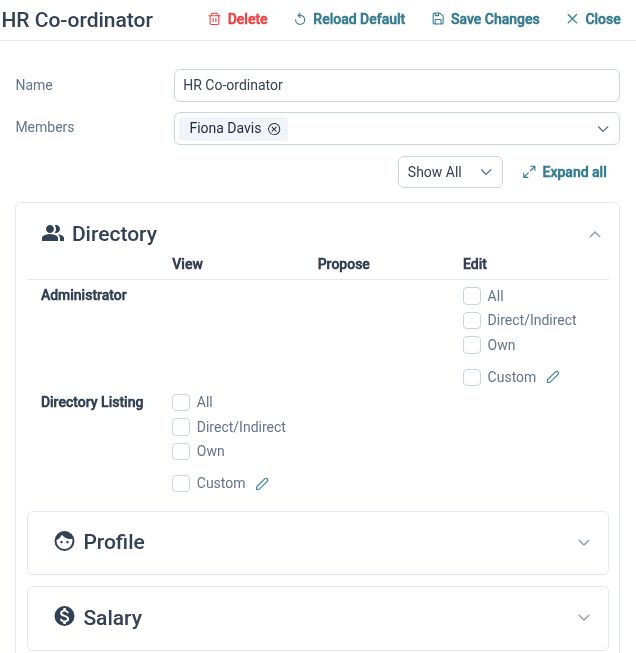
Viewing information, proposing a change and editing a record are separate permissions. This lets you choose a suitable level of self-service for different details. Employees can contribute updates without every field needing the same review process, while HR retains responsibility for deciding how the record is maintained.
When an employee moves house, you could ask them to submit their new address for review. A different field could allow direct editing, while information maintained by HR remains view-only. This provides a clear route for routine updates and reduces the need to copy information out of emails.
Follow everyday requests
Connect employee input to the request process, so the information needed for review stays alongside the action being requested.
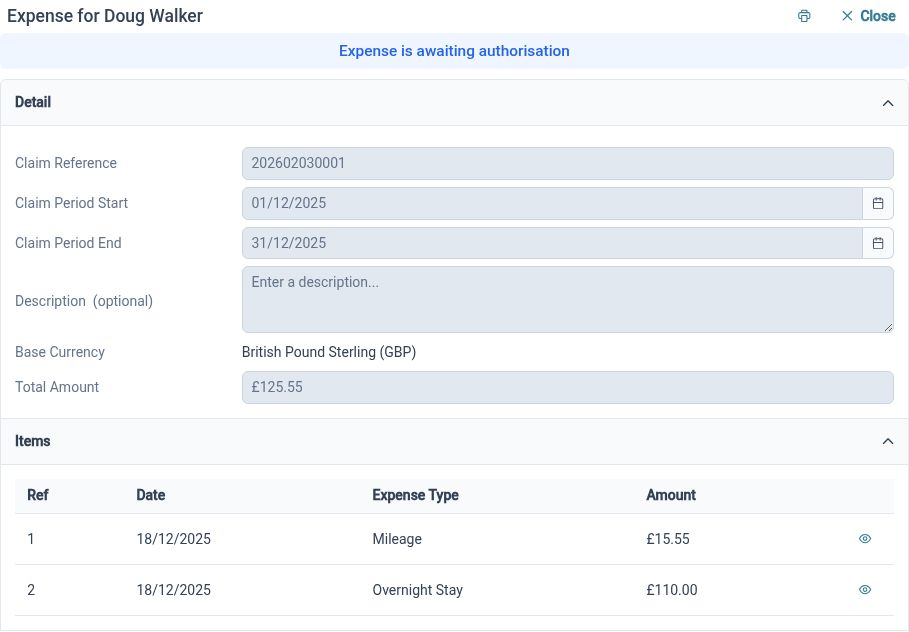
Self-service is useful when employees can do something with the information they find. HR Planner connects employee records with requests such as leave and personal-detail updates. Request details, relevant notes and configured approval responsibilities help both the employee and reviewer understand what needs attention.
For example, an employee can provide the dates and context for a leave request, then a manager can review that request through their task list. The employee workspace and approval process support different parts of the same task, rather than relying on a separate email conversation to explain the request.
Self-service for everyday HR

Employee ownership
Give colleagues a practical role in checking and maintaining their own information.

Policy-led updates
Choose which changes can be made directly and which should be proposed for review.
Connected HR actions
Keep personal records and everyday requests within the same employee workspace.
Explore connected HR features
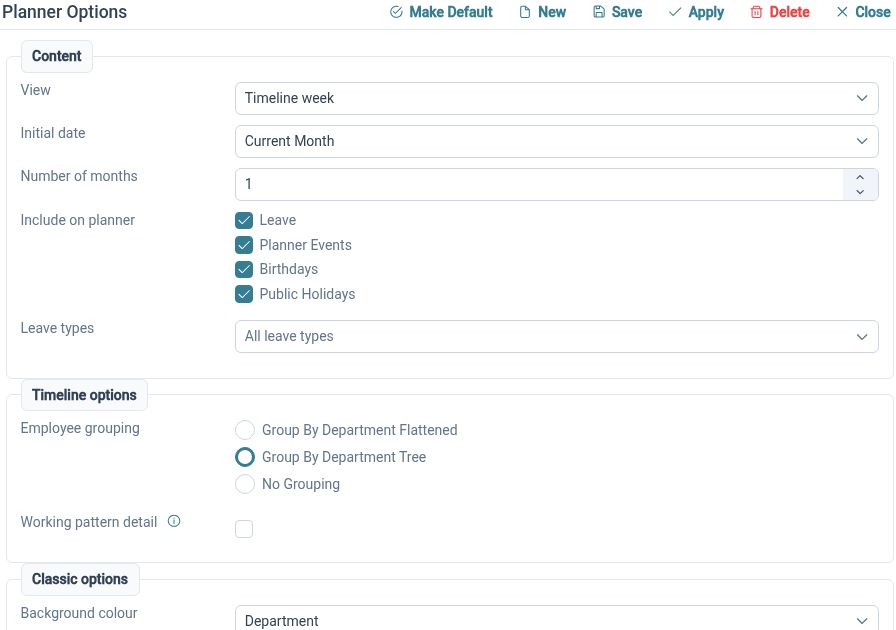
Staff Holiday Planner
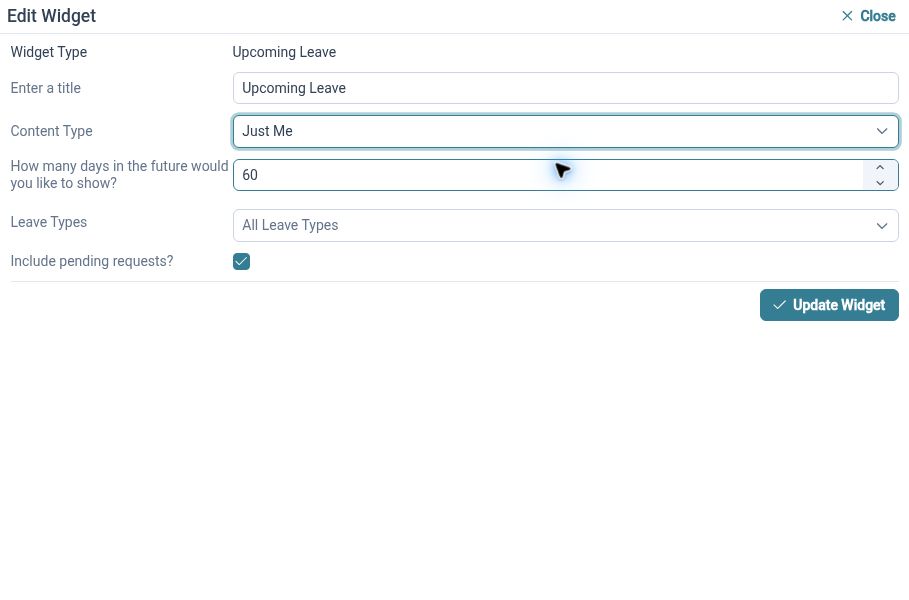
Customisable HR Dashboards
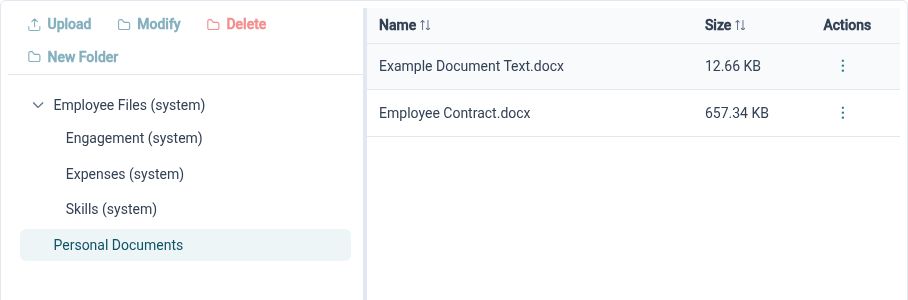
HR Document Management

Ready to take our software for a spin?
Organisations just like yours are using HR Planner. Start your free trial today to see how simple it can be!