
Staff Availability and Leave Planner
Bring employees, leave status, public holidays and events into a shared planning view with direct access to request actions.
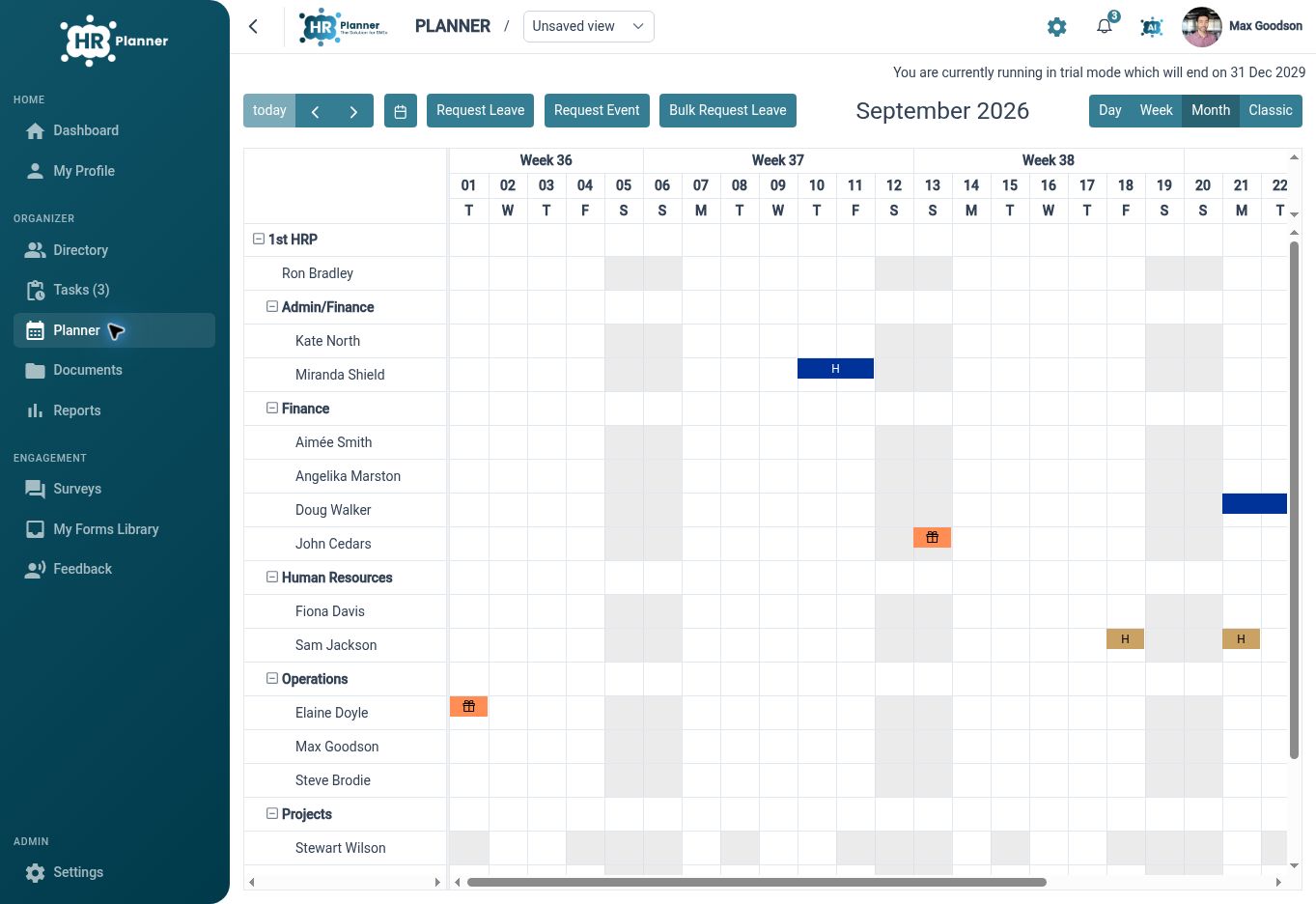
See who is away
View employee leave and events in a shared planning calendar, with organisational grouping that helps you focus on the relevant team.
A staff planner gives managers a way to look beyond an individual request. HR Planner brings employee grouping, leave status, public holidays and planner events into one calendar surface. The visible information follows the user’s access, so planning starts with a view suited to their responsibilities.
For example, a department manager preparing for next month can review overlapping leave and relevant events before discussing cover. Grouping by organisational context helps keep the view readable. Opening a request from the planner provides the detail needed when a calendar entry needs closer attention.
Save useful views
Create named planner views with filters and display settings, so recurring planning tasks do not start with the same setup work.
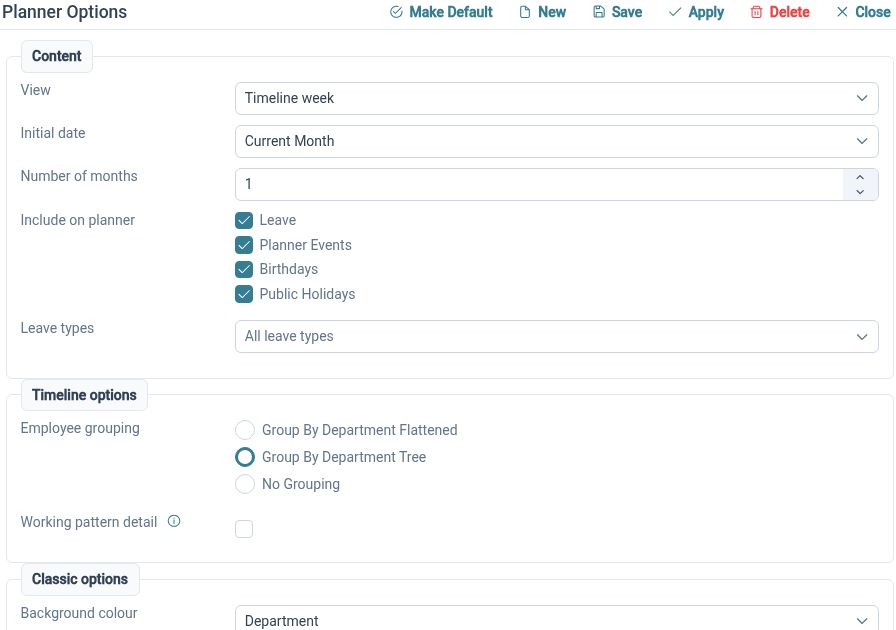
Different planning questions need different views. Save organisation filters, date-range choices, grouping and event selection in a named view, with sharing options where available. Choose a compact or detailed presentation and an appropriate planning horizon, then return to that arrangement when the same task comes around.
For example, an HR administrator could maintain a wider view across several departments, while a team manager uses a view focused on the next few weeks. A saved seasonal planning view can use a longer horizon. These arrangements help people find the useful level of detail without rebuilding their filters each time.
Add business context
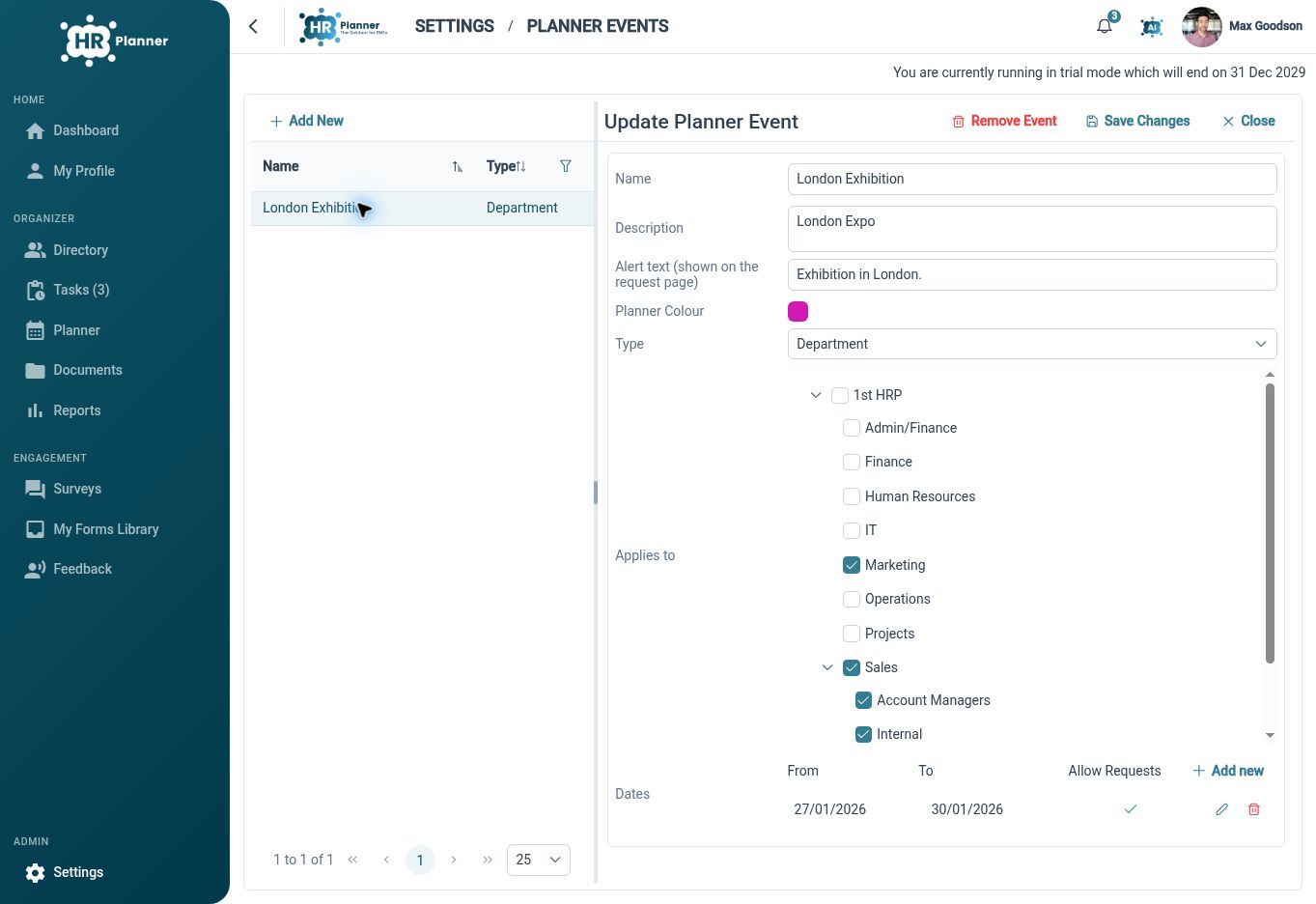
Show public holidays and business events alongside leave, with configured restrictions and messages where particular dates require closer control.
Availability decisions often depend on events outside the leave request itself. Planner events can include descriptions, member scope and dates, and can allow or restrict leave according to their configuration. Public holiday zones provide regional date context for the planner and connected leave processes.
For example, an annual stocktake could appear as a named event for the affected team, with a message explaining the booking restriction. Other departments can have a different planning context. The calendar makes the event visible, while the leave-request process applies the configured handling when someone selects those dates.
Built for everyday HR

Shared availability context
Bring team leave and relevant events together before making planning decisions.

Reusable calendar views
Return to saved filters, grouping and date ranges for recurring planning tasks.

Visible business dates
Explain key events and restrictions within the calendar people use for leave.
Explore connected HR features
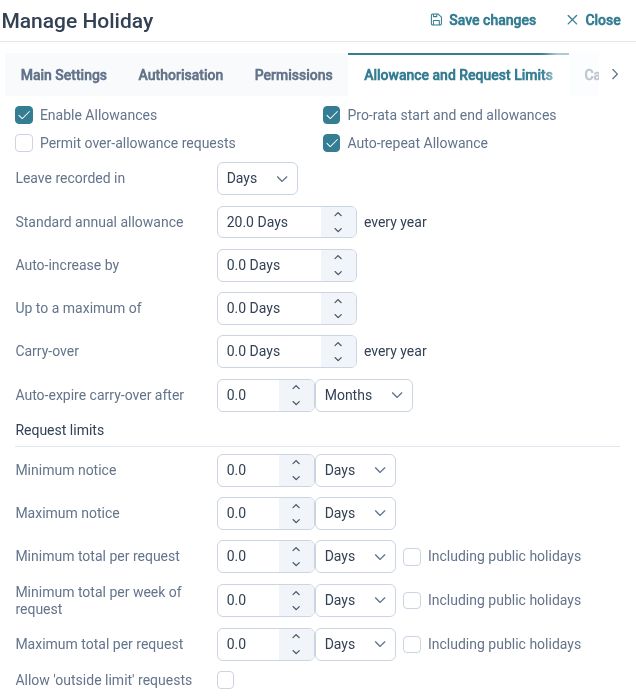
Leave and Absence Management Software
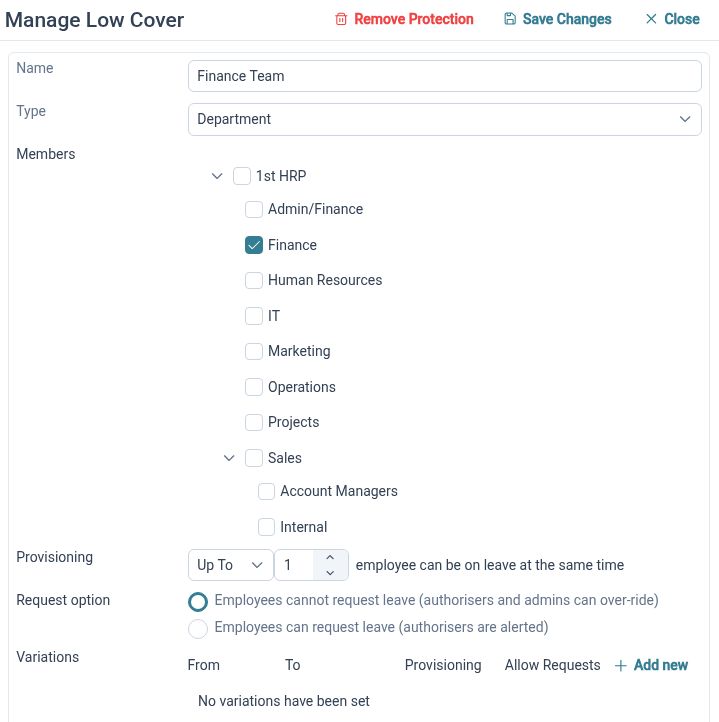
Minimum Staffing Cover for Leave Requests
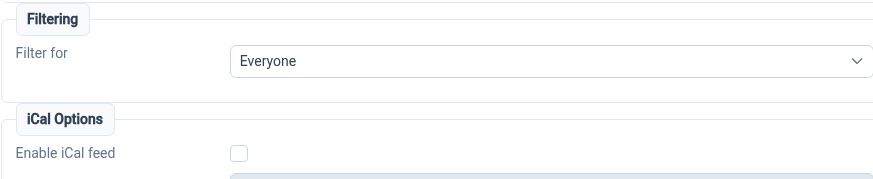
Staff Calendar iCal Feeds

Ready to take our software for a spin?
Organisations just like yours are using HR Planner. Start your free trial today to see how simple it can be!