
Customisable HR Dashboards
Build home and employee dashboards from configurable widgets for leave, requests, tasks and qualification expiry, with saved layouts and filters.
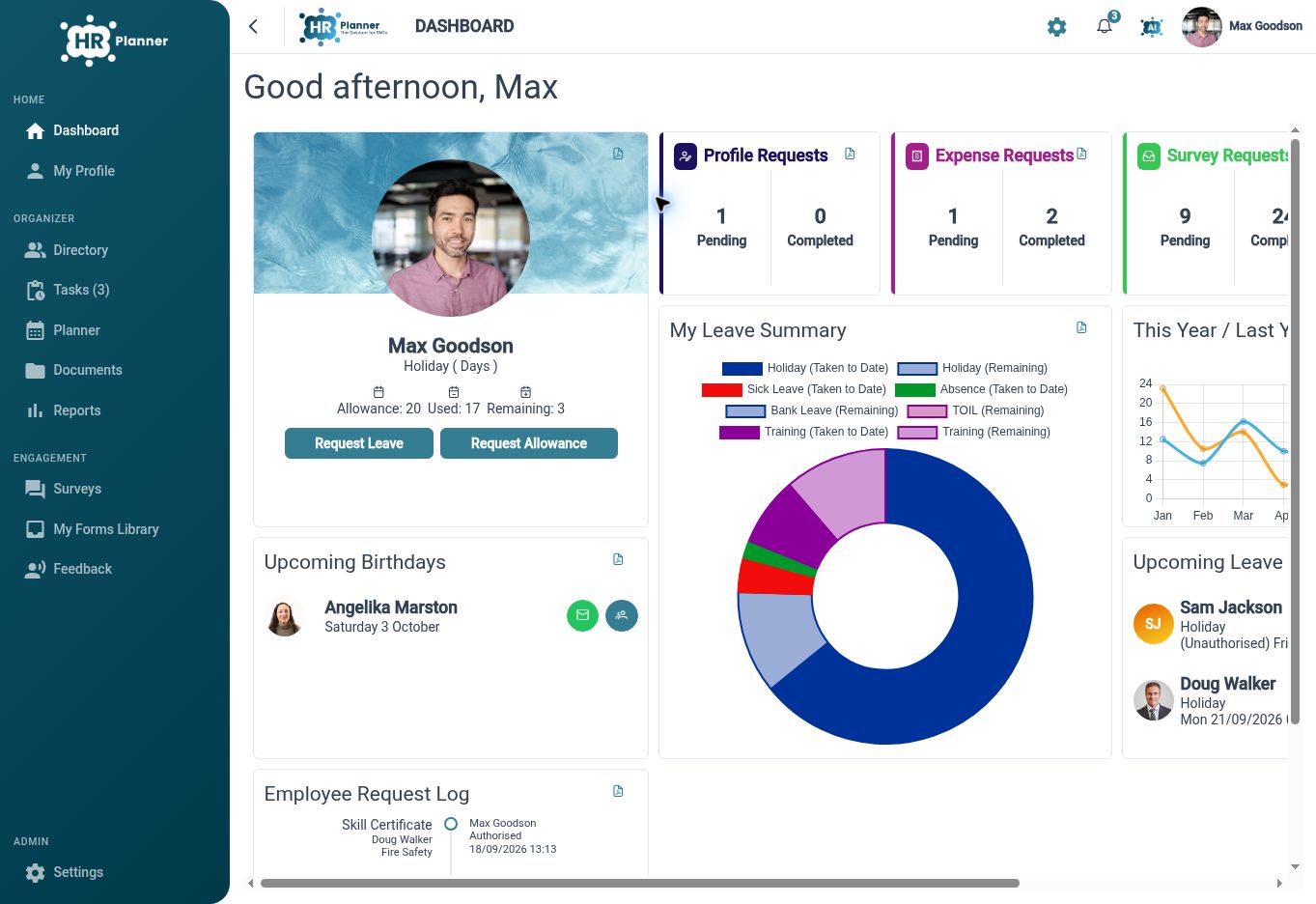
Start with what matters
Arrange dashboard widgets around the information you use most, with layouts for the home dashboard and employee overview.
Different HR users need different starting points. HR Planner lets authorised users add, edit, remove and arrange widgets, then save the layout. The widget system supports both home dashboards and employee-focused overviews, so broad task visibility and an individual record can each have a suitable presentation.
For example, a manager might place upcoming leave and task information near the top of their home dashboard. An employee overview can focus on that person’s summary and leave information. Choosing the layout around the task makes the dashboard a useful entry point rather than a fixed collection of unrelated figures.
Focus each widget
Use widget-specific titles, filters and time horizons to show the employees, leave types and periods relevant to your review.
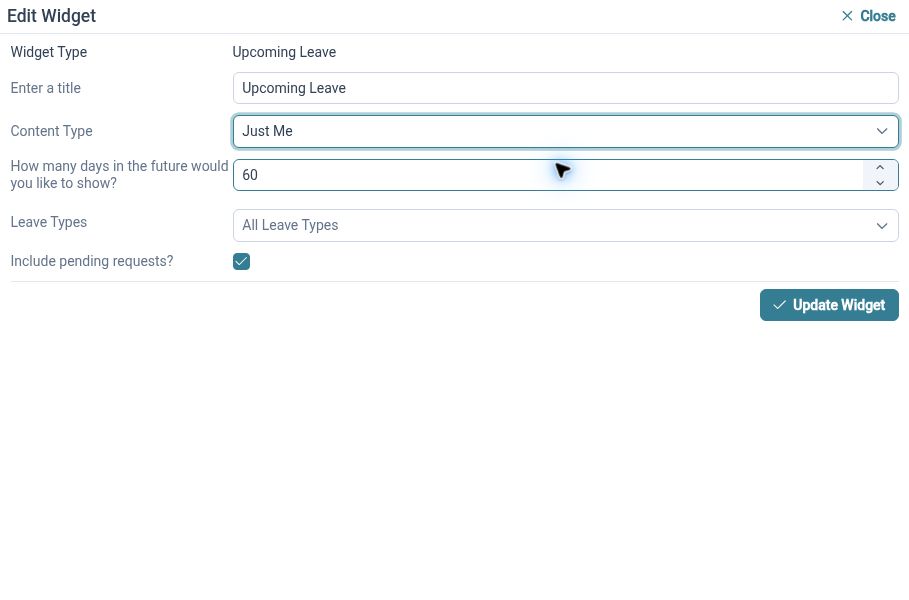
The same type of widget can answer different questions depending on its settings. Upcoming leave can focus on a selected group and day horizon, while leave comparisons can use chosen years and types. Some views can include pending requests, so the setting needs to be understood when interpreting the information.
For example, a department manager could review upcoming leave for the next few weeks and choose whether pending requests should appear. A wider HR view might compare leave across selected years. The configured filters give the display its meaning, so review those choices alongside the result rather than relying on a chart alone.
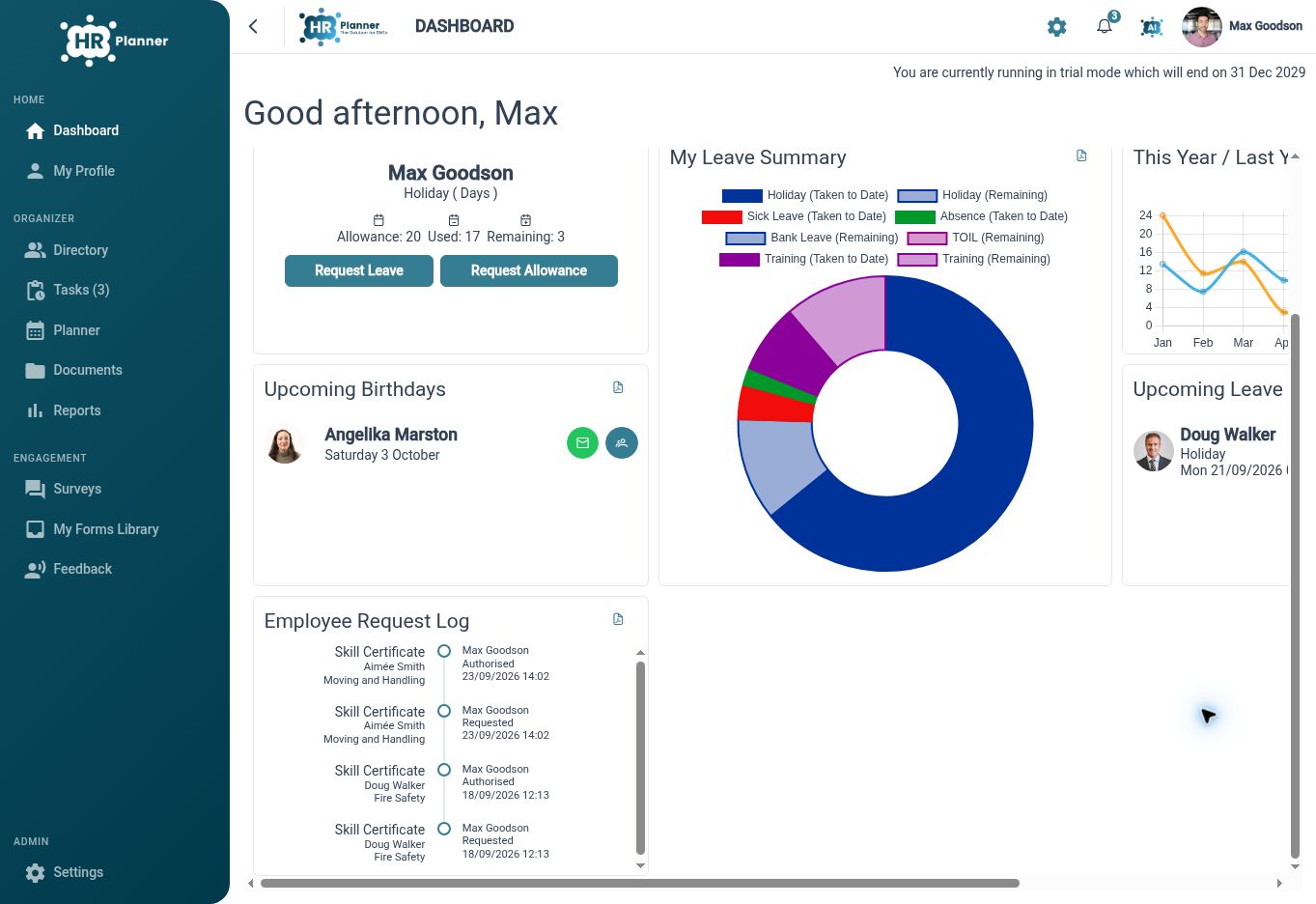
Keep follow-up in sight
Bring tasks, recent request activity and certificate-expiry information into dashboard views that support regular HR review.
A dashboard can help identify where attention is needed as well as summarise records. HR Planner includes widgets for task summaries, recent request activity and upcoming certificate expiration. Saved and default-layout options support repeatable setup, with home and employee defaults maintained separately.
For example, an HR administrator could use a regular review view to check outstanding tasks, recent changes and approaching qualification dates. Opening the relevant records provides the detail for follow-up. The dashboard gives a starting point for action, while the underlying request or employee record remains the place to assess the context.
Built for everyday HR
A relevant starting point
Arrange the home and employee dashboards around the work each view should support.
Filters with purpose
Choose time horizons and organisational scope to make widget information meaningful.
Visible follow-up needs
Bring tasks, recent activity and approaching expiry dates into regular HR review.
Explore connected HR features
Staff Availability and Leave Planner
HR Reporting and Report Exports

Employee Skills and Certificate Tracking

Ready to take our software for a spin?
Organisations just like yours are using HR Planner. Start your free trial today to see how simple it can be!