
Employee Record Change History
Review recorded changes across employee profiles and related HR records from employee audit views.
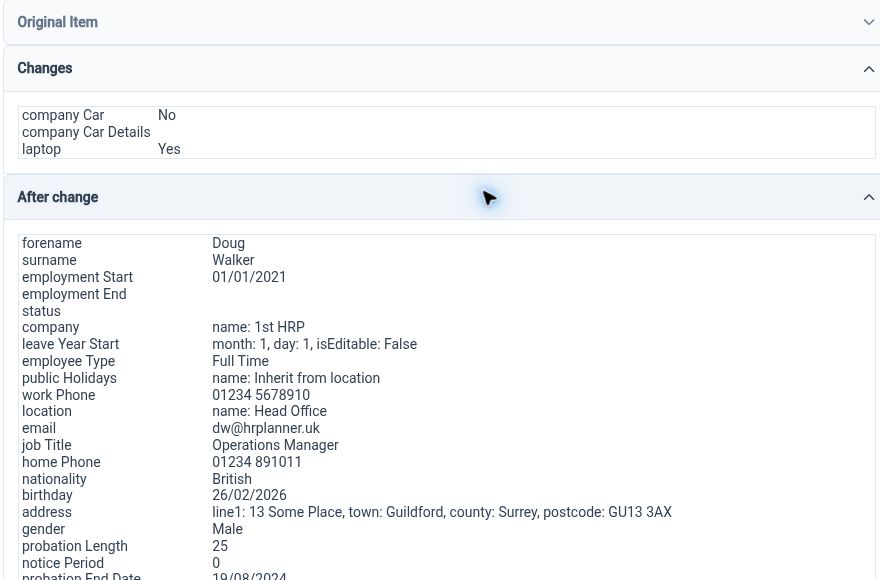
Understand each change
Review employee audit entries and their detail to understand the recorded activity behind an employee’s HR information.
An employee record shows the information you work with today; change history helps provide context about recorded activity behind it. HR Planner offers employee audit lists and detailed entries, giving authorised users a route from an overview of activity to the information available for a particular event.
For example, when a colleague asks about an employee-detail update, open the relevant history and inspect the corresponding entry. The available detail can help the team understand the change in its recorded context. This is more useful than relying only on recollection or searching separate messages for an explanation.
Follow HR activity
Explore history across supported employee areas, including profile information, leave, salary, documents and qualification records.
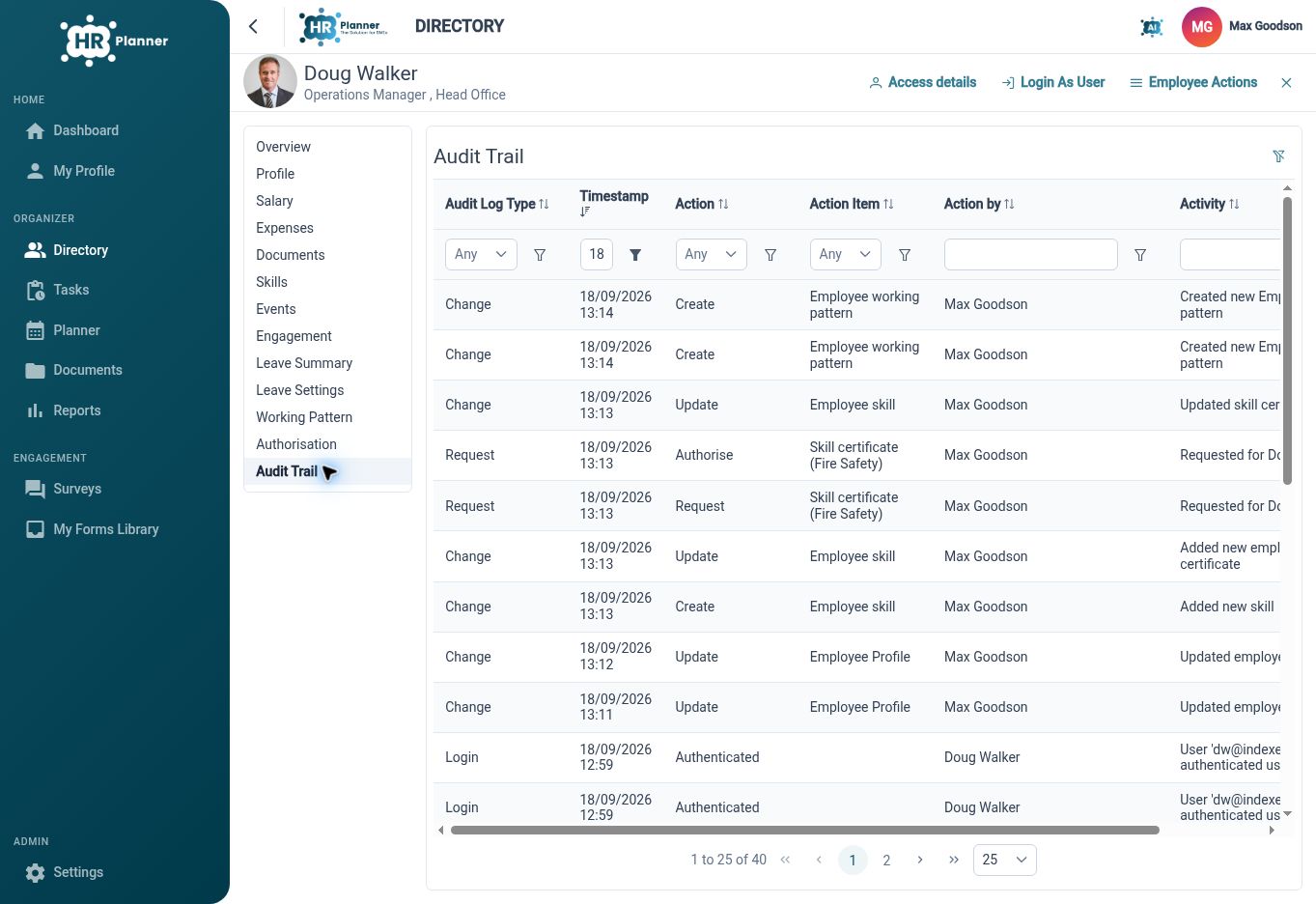
Employee administration takes place in several connected parts of the application. Change-history views cover multiple employee business objects rather than only the personal-details screen. This gives HR a place to inspect relevant recorded events when a question involves more than one part of the employee workspace.
For example, a review might involve a profile update followed by a leave change or a new certificate record. The history helps locate the relevant activity in the supported areas, then the underlying record provides further context. Access to each area should reflect the reviewer’s configured responsibilities.

Support careful review
Use history as context for an HR question, then refer to the relevant record or request when deciding what action is needed.
A recorded event is a useful starting point for investigation, but the surrounding employee record and request still matter. Reviewing the detailed entry alongside the current information helps an authorised user decide whether a question has been answered or a further correction should be proposed through the appropriate process.
For example, if an employee questions a change to their recorded information, inspect the relevant entry and compare it with the current record. Where further action is needed, use the normal update or review route. This keeps the history useful for understanding activity without treating it as a substitute for HR judgement.
Built for everyday HR

Context behind records
Inspect recorded employee activity when a current value needs explanation.

History across HR areas
Review supported events beyond the basic employee profile.

A starting point for follow-up
Use audit detail alongside the relevant record when assessing a question or correction.
Explore connected HR features
Employee Records Software
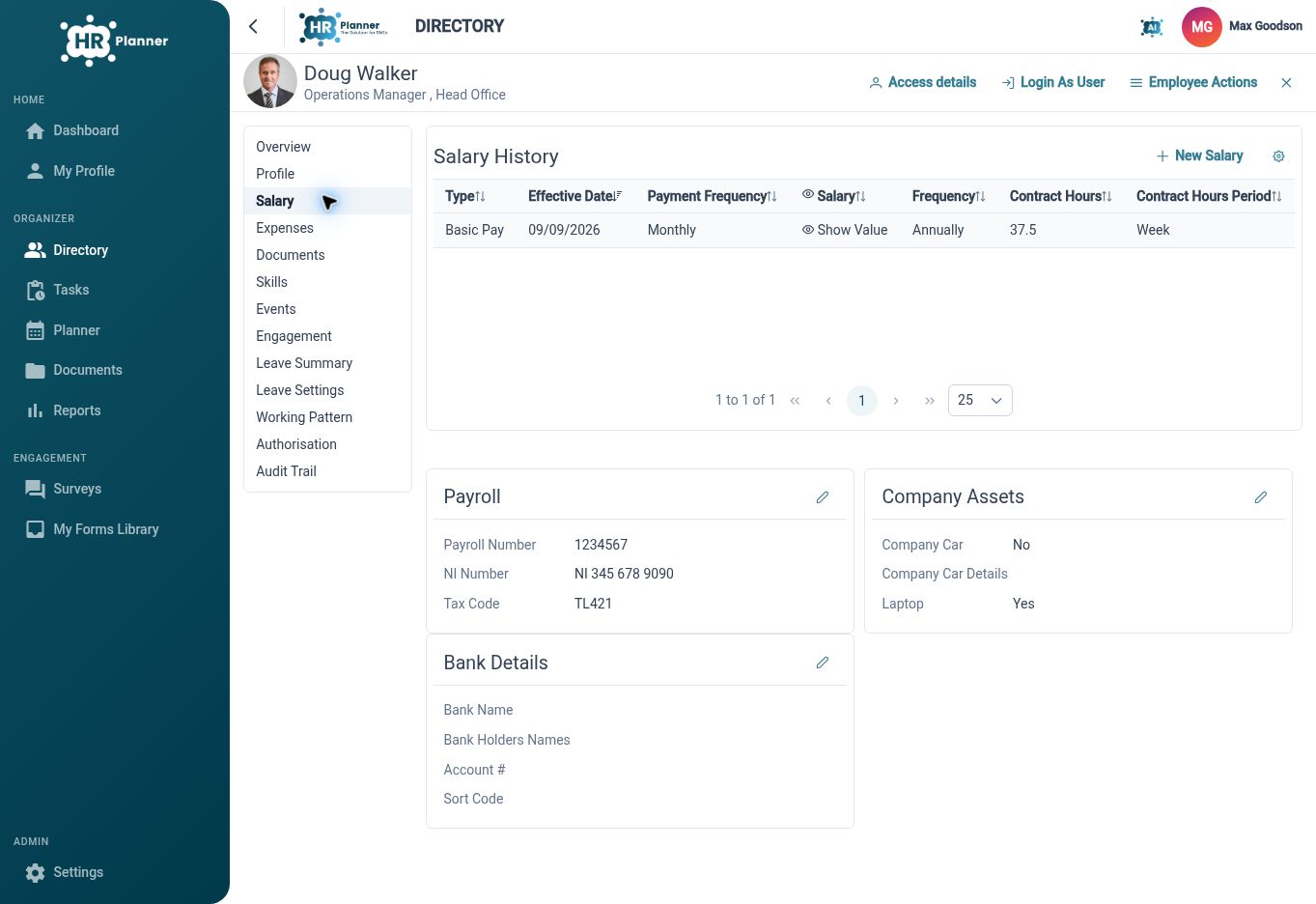
Employee Salary History Software
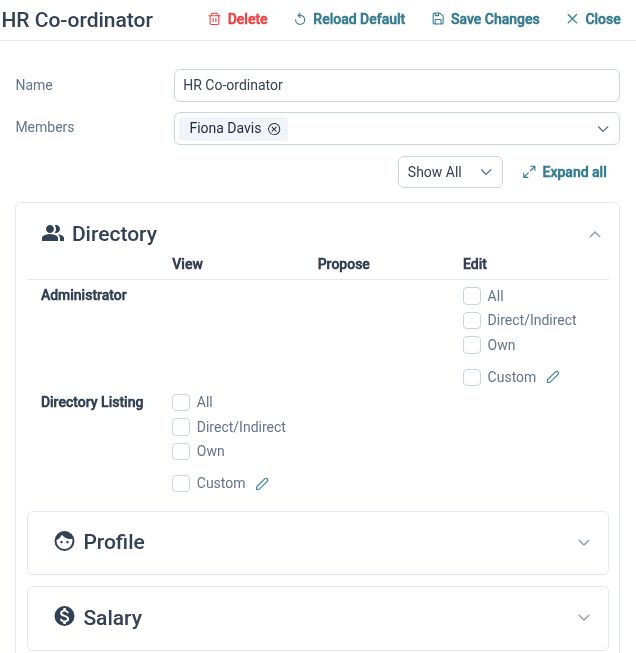
HR Roles and Access Permissions

Ready to take our software for a spin?
Organisations just like yours are using HR Planner. Start your free trial today to see how simple it can be!