
Employee Survey Software
Create richer employee surveys, follow completion progress and turn responses into useful charts and tables.
Ask Richer Questions
Use ratings, rankings, comments and conditional questions to hear more than a simple yes or no.
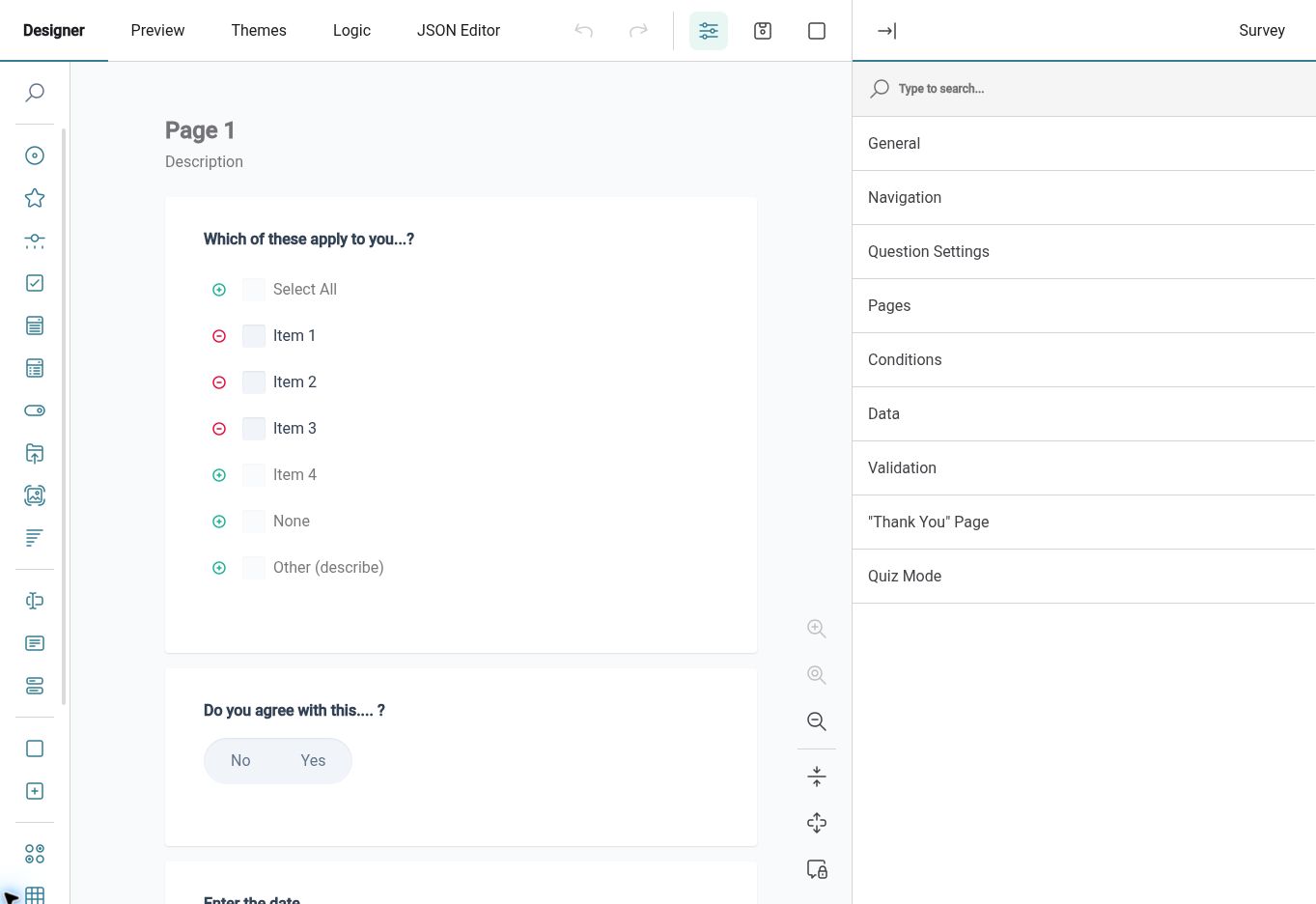
Build surveys from reusable forms and choose the Employees or organisational groups you want to hear from. Mix rating scales and rankings with comments or matrix questions, and use conditional logic to ask relevant follow-up questions. Give each survey a clear title and completion expectation.
For example, ask Employees to rate their work-life balance, rank the changes that would help most and explain their priorities. Select the audience affected by the issue and preview the questionnaire before sending it. This gives the resulting charts useful context for a team discussion.
Track Responses
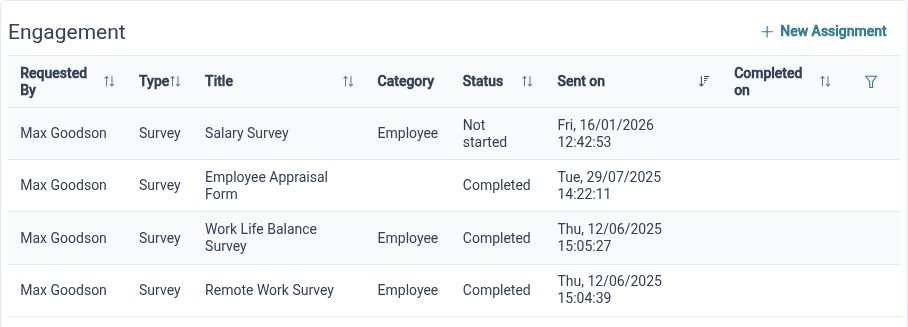
See whether responses are not started, opened, partially completed or complete, and manage the survey through its lifecycle.
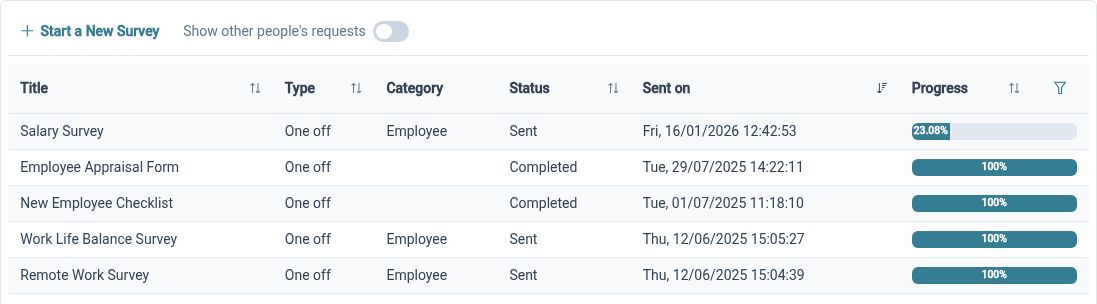
Sending a questionnaire is only the start of the process. Survey and submission statuses provide context about progress, with states that distinguish partial work from completed responses. Close and archive actions help administrators manage an activity once collection has finished, keeping the current work easier to identify.
For example, before a review meeting, check how much of the survey has been completed and whether the collection period is ready to close. Partial responses have a different meaning from completed submissions. Use that context when deciding whether the results are ready for discussion and what follow-up is appropriate.
Explore Responses
Review visual results and response tables, with export options to support discussion outside the survey workspace.
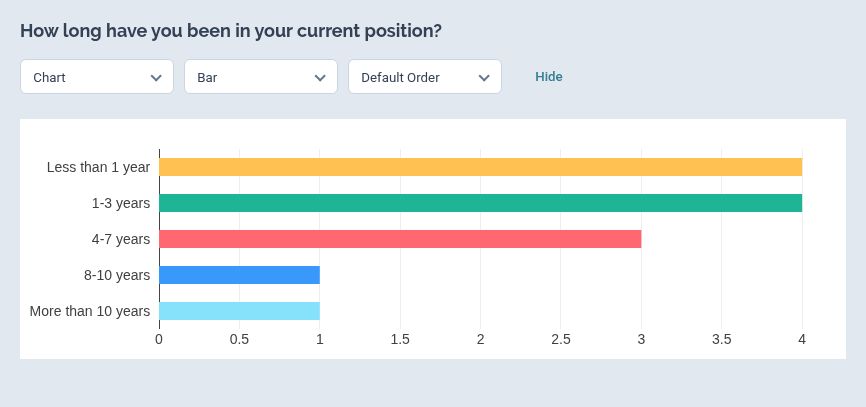
Review survey responses through visual charts and table views. The results workspace lets you choose how to display answers and save a useful analysis layout. Export visual results to PDF when you need a copy for a review meeting.
For example, start with a chart showing how often Employees work outside normal hours, then examine the available response detail for context. Use the findings to decide what to investigate and how to communicate the next steps to your team.
Built for everyday HR

Focused survey audiences
Select the employees or groups relevant to the question you want to explore.
Visible collection progress
Distinguish partial and completed responses when reviewing how the survey is progressing.
Results ready for discussion
Use visual and tabular views to explore the answers and share appropriate outputs.
Explore connected HR features
HR Form Builder
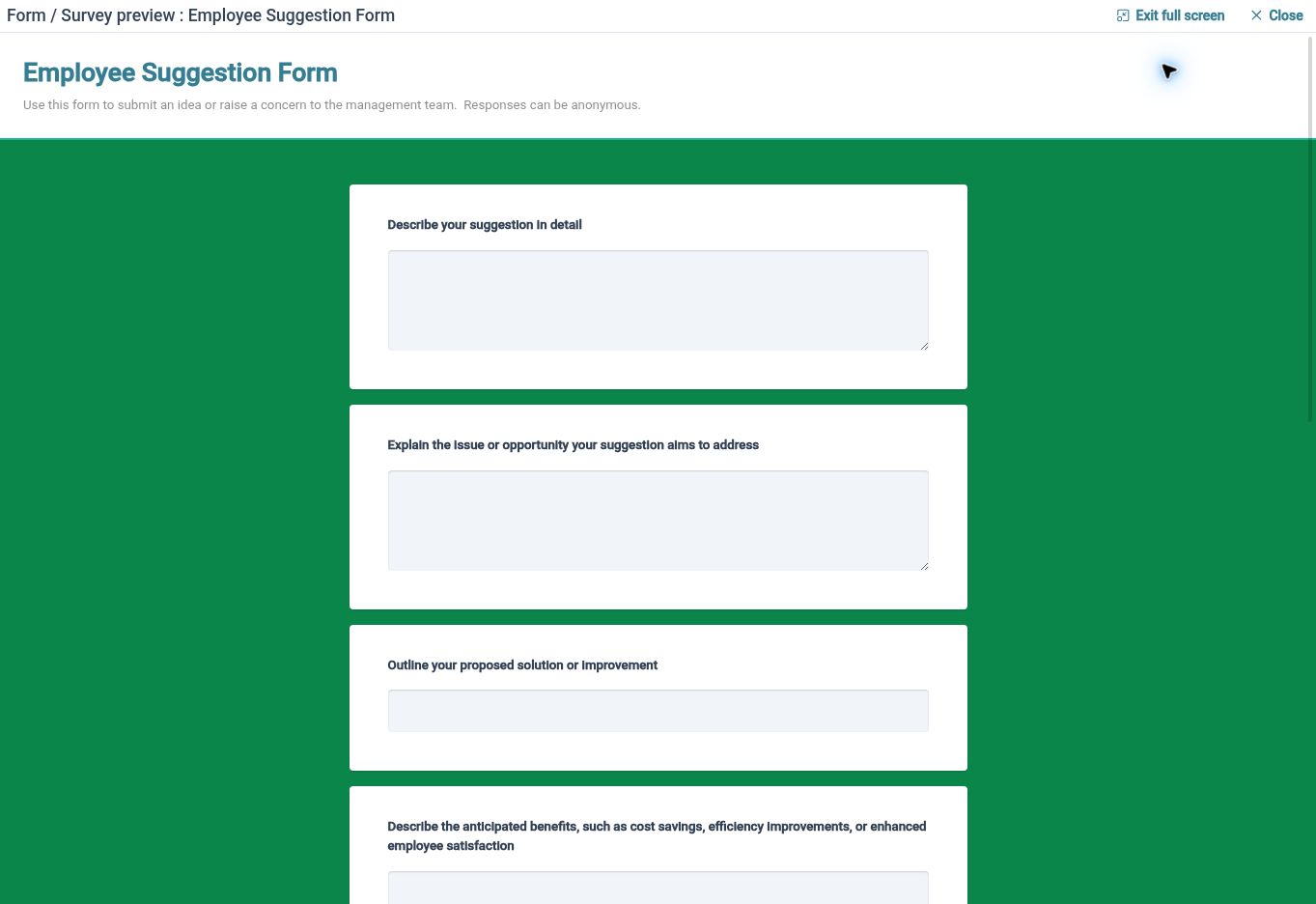
Employee Feedback Software
Employee Form Assignments and Approvals

Ready to take our software for a spin?
Organisations just like yours are using HR Planner. Start your free trial today to see how simple it can be!