
Employee Engagement
Go beyond basic questionnaires. Build flexible forms, run targeted surveys and turn employee input into clearer conversations and follow-up.
Employee input can serve different purposes. You might want to hear how a team experienced a recent change, collect information from a named Employee or give people a way to raise suggestions when they have them. Those activities need different routes for completion and review.
HR Planner connects the HR Form Builder with Employee Surveys, Form Assignments and Employee Feedback. Choose the process that fits the conversation, then use the available progress, results and review views to organise what happens next.
Go Beyond Basic Forms
Combine ratings, rankings, uploads, matrices and conditional questions in forms built around your Employees and your processes.
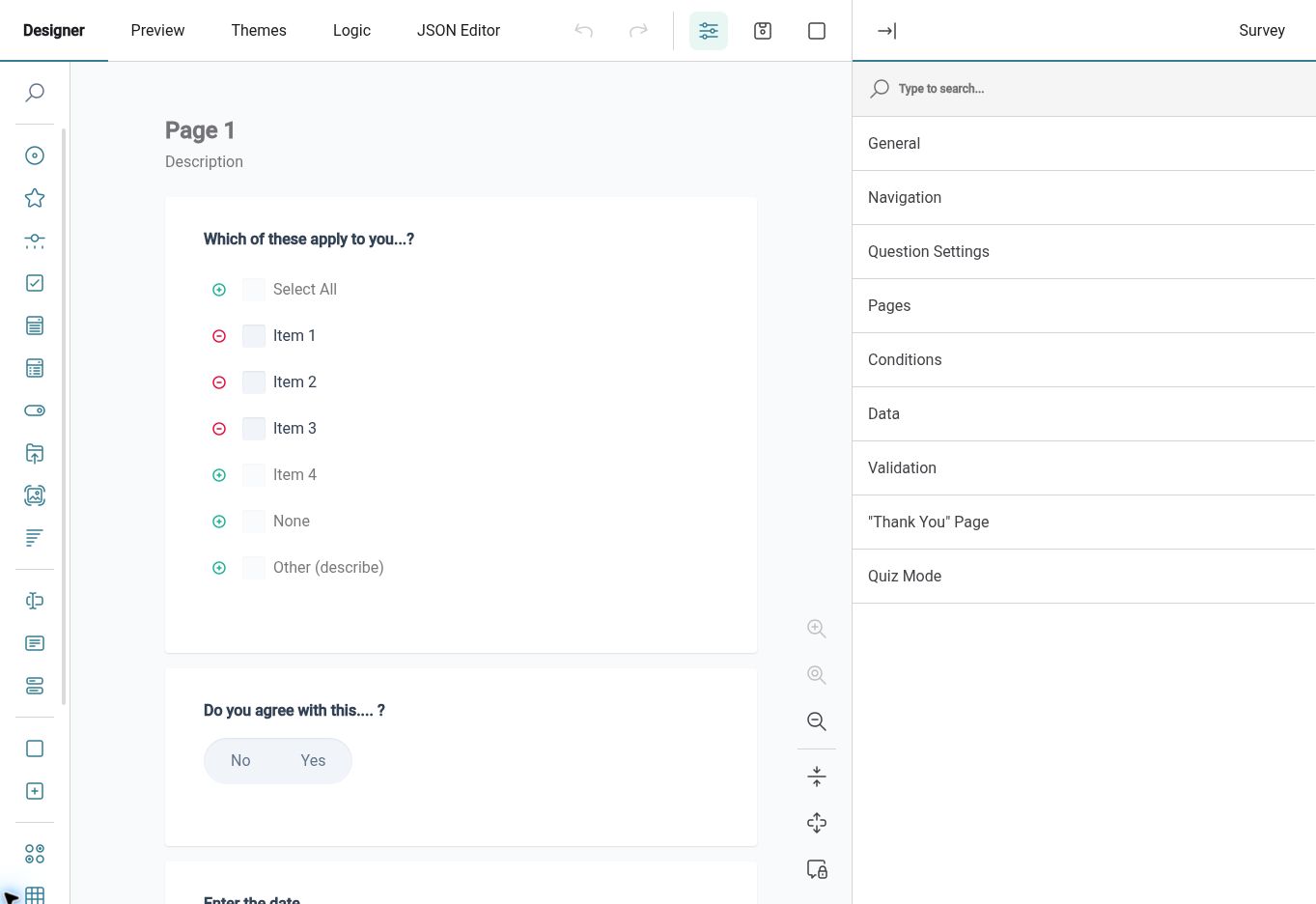
HR Planner’s visual form designer supports rich question types, multi-page forms, repeatable sections, logic and validation. Use ratings and rankings to compare experiences, comments to add context and supporting uploads where a process calls for evidence. Save forms for reuse in the survey, assignment or feedback routes they are configured to support.
For example, an engagement survey could ask Employees to rate their experience and rank improvement priorities. An appraisal can combine structured ratings with written examples, while a training form can use quiz settings for knowledge checks. Preview each form so its questions and flow fit the purpose.
Targeted surveys
Send a survey to the Employees you want to hear from, with a clear title, suitable questions and visible completion progress.
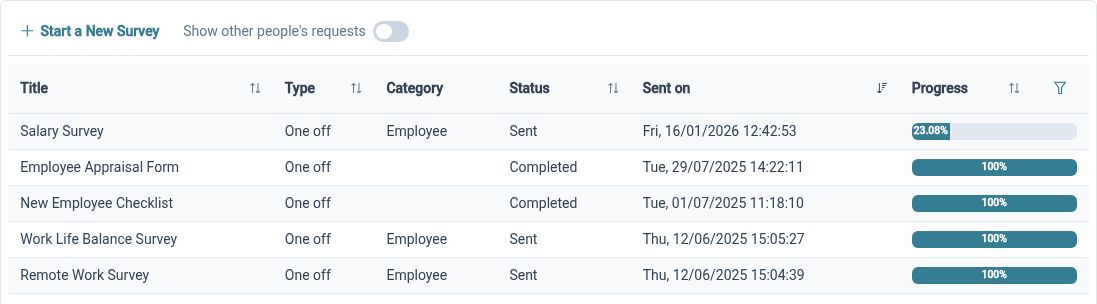
Employee Surveys bring together the selected form, survey details and recipients. This gives HR Administrators a structured way to collect input from a chosen audience instead of managing responses across separate emails. Survey progress helps you distinguish the activity of collecting responses from the later work of reviewing what people said.
For example, after changing a departmental process, HR can ask the affected Employees about their experience through a targeted survey. A focused audience and clear purpose make the exercise easier to explain. Review completion progress alongside the responses received before deciding whether further communication or follow-up is needed.
Explore responses
Use visual and table views to review survey results, moving from an overall picture to the response details available to you.
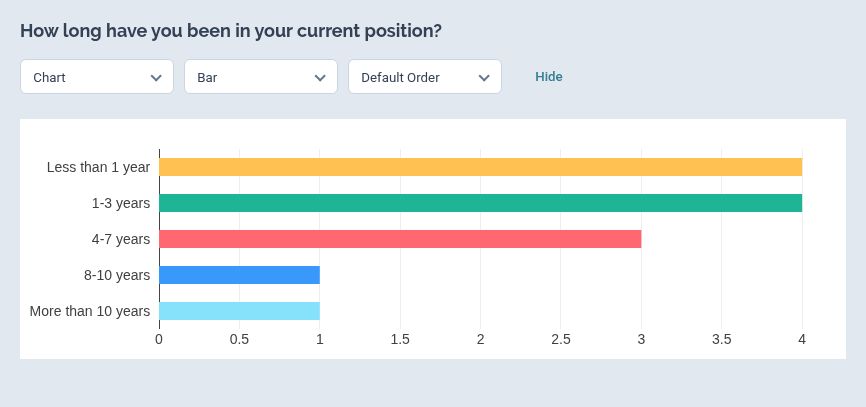
Survey results can be explored through visual analytics and a table view. These provide different ways to work with the same exercise: an overview for spotting themes and a more detailed view for examining the available responses. Saved view settings help you return to a useful analysis layout when reviewing the survey again.
For example, HR may begin by looking at how Employees rated the clarity of a new process, then review written responses for context. A low rating can identify a question to investigate, while the comments help explain the experience behind it. Use the results to support a discussion and agree follow-up actions with the relevant people.
Assign clear tasks
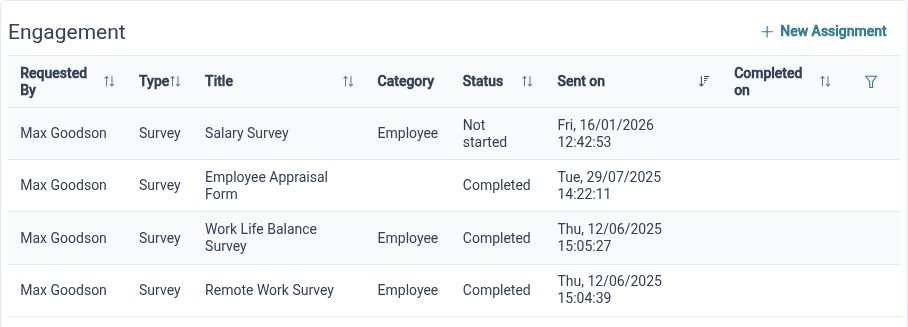
Use Form Assignments when a named Employee needs to provide information and the process includes completion or review steps.
An assignment gives a form an individual purpose and owner. HR can assign an eligible form to Employees through a request and authorisation process, rather than treating every information-gathering task as a survey. The form and configured workflow determine how the submission is completed and reviewed.
For example, HR could assign a form asking an Employee to provide details needed for a particular internal request. The Employee completes the questions, and the configured review gives the information a route to the appropriate person. Agree the questions, responsibilities and review steps before using the form for that process.
Invite fresh input
Give Employees a way to submit feedback through the forms available to them, without waiting for HR to start another survey.
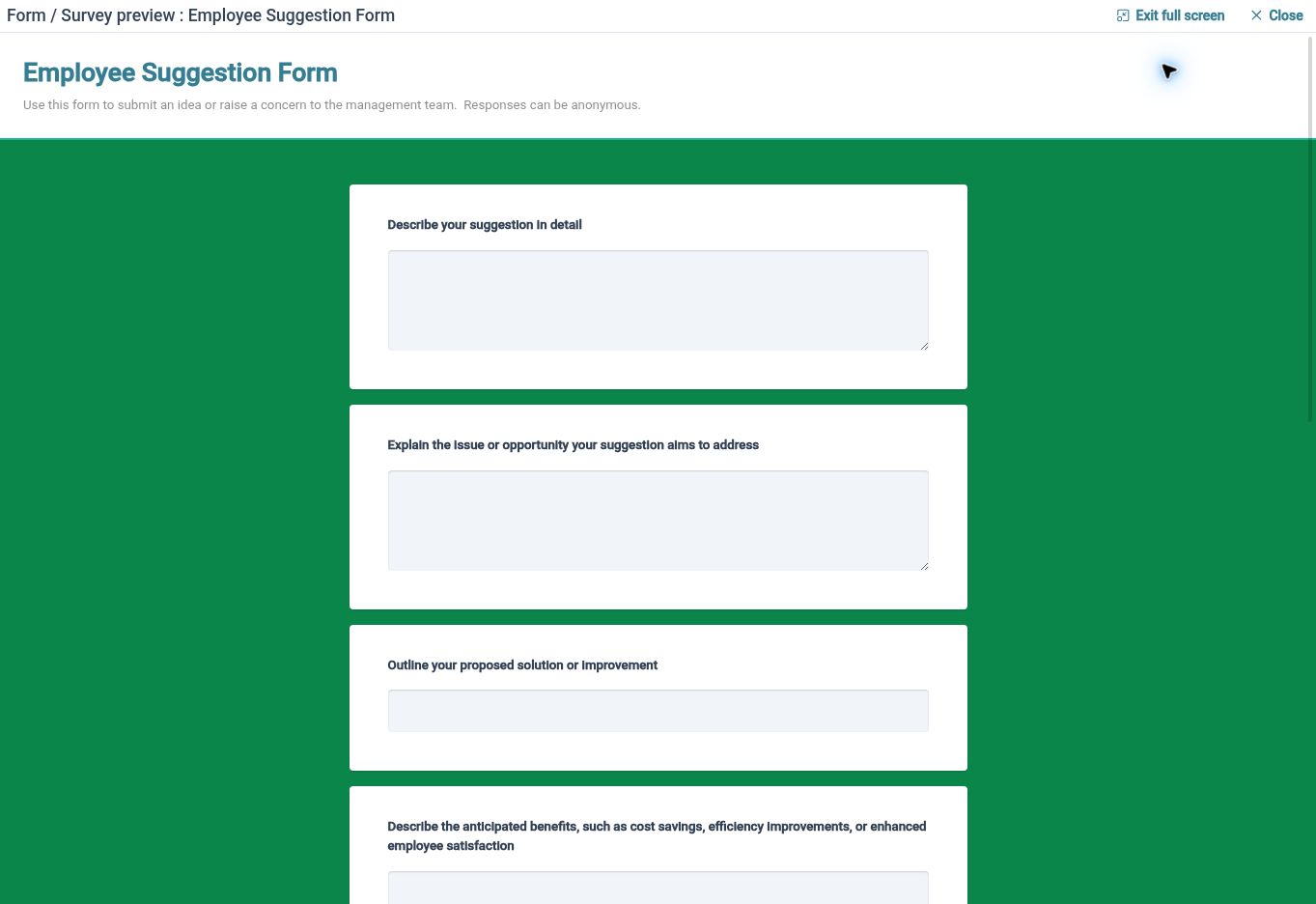
Employee Feedback is a separate route for employee-initiated input. An Employee can choose an available feedback form and submit it through the configured process, while authorised users handle submissions in the feedback management area. This supports ongoing input alongside the more targeted questions you ask through surveys.
For example, an Employee who notices a recurring problem with an internal procedure could use a suitable feedback form to explain it. The questions can prompt them to describe the issue and suggest an improvement. HR then has a structured submission to review rather than a comment disconnected from any follow-up process.
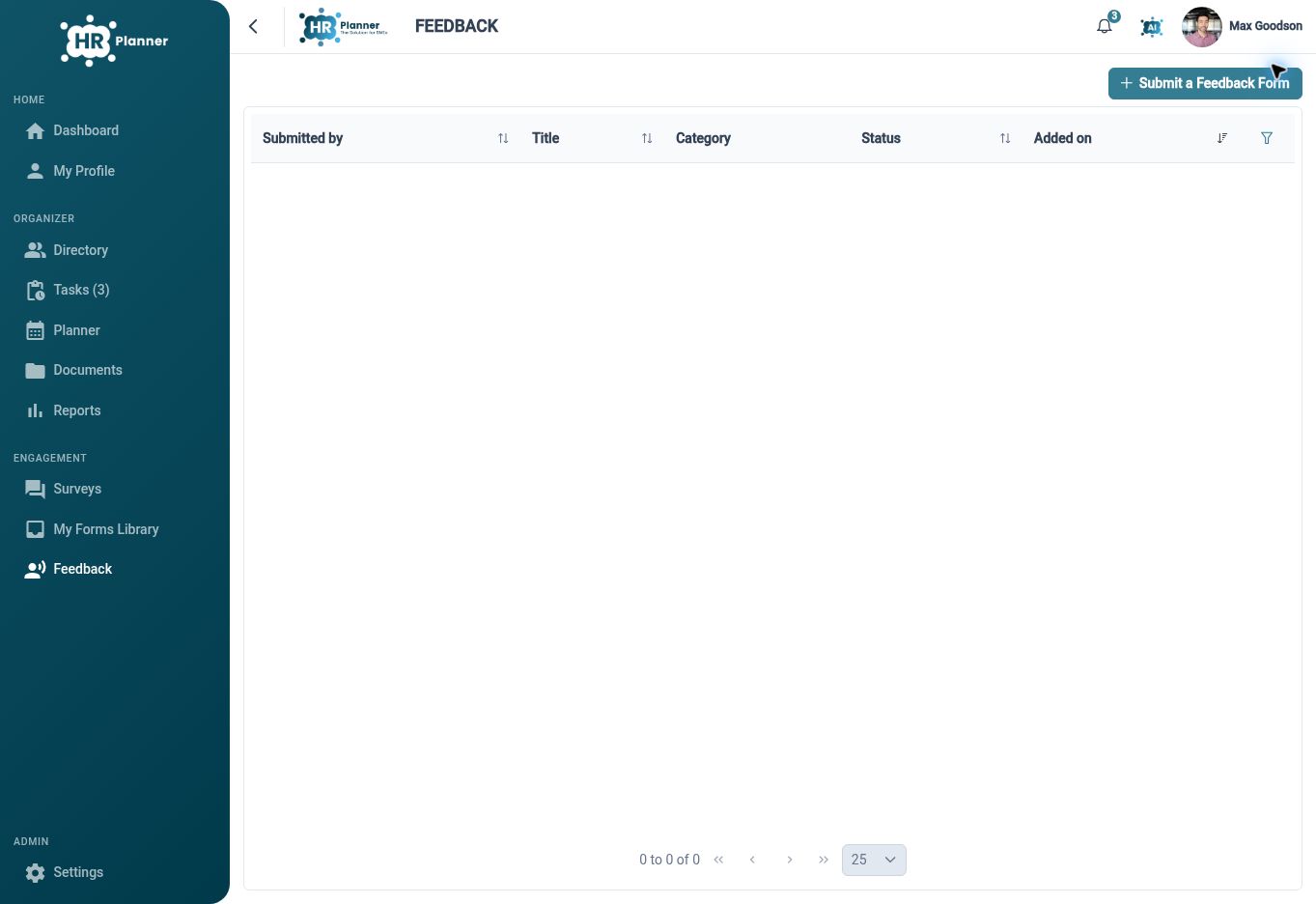
Review feedback
Use feedback status and comments to organise review, and make responsibility for the next step part of your team’s process.
Feedback management supports review updates, comments and states such as submitted, review in progress, reviewed and archived. These provide a way for authorised Reviewers to organise the work after feedback arrives. Collection and review remain distinct steps: a submitted form still needs someone to consider the information and decide how to respond.
For example, HR can review a suggestion, record relevant comments and update its review status as the assessment progresses. Your team can then agree any operational change or communication needed outside that review. Define who monitors new submissions and how Employees will hear about outcomes, so collecting feedback has a clear purpose.
A purpose for every response

Employees
Complete the forms assigned to you, respond to relevant surveys and use available feedback forms to share input.

Managers
Support the completion and review work your role permits, and use employee input to inform conversations with your team.

HR Administrators
Organise questions, recipients, response views and review responsibilities across different engagement processes.
Explore Employee Engagement
Employee Surveys
Employee Form Assignments
Employee Feedback
Your questions answered
How do surveys, assignments and feedback differ?
Surveys collect responses from a selected audience. Assignments give a form to named Employees for completion through a configured process. Feedback lets Employees start a submission using an available feedback form. Choose the mode that matches the purpose and the review you need.
Can we reuse forms?
The HR Form Builder creates reusable definitions. Their configured submission type determines which processes they can support. Check the questions, permitted use and associated settings before reusing a form for another exercise.
Can we review survey results in different ways?
Yes. Survey results include visual analytics and table views, with settings for returning to a useful layout. The information available depends on the survey and applicable access. Review both overall patterns and the relevant response context when deciding what to investigate.
Who should review employee feedback?
Assign responsibility to people with the relevant feedback access. HR Planner provides review status and comment handling, while your organisation decides who monitors submissions, how issues are assessed and how outcomes are communicated. Make those responsibilities clear before inviting feedback.

Ready to take our software for a spin?
Organisations just like yours are using HR Planner. Start your free trial today to see how simple it can be!